
Nonprofit Automation Tools That Save Orgs
5 Hours Every Week
From new donor welcome series to timely membership renewals and lapsed supporter recapture, Neon One’s nonprofit workflow automation lets you spend less time on your computer and more time out in your community.
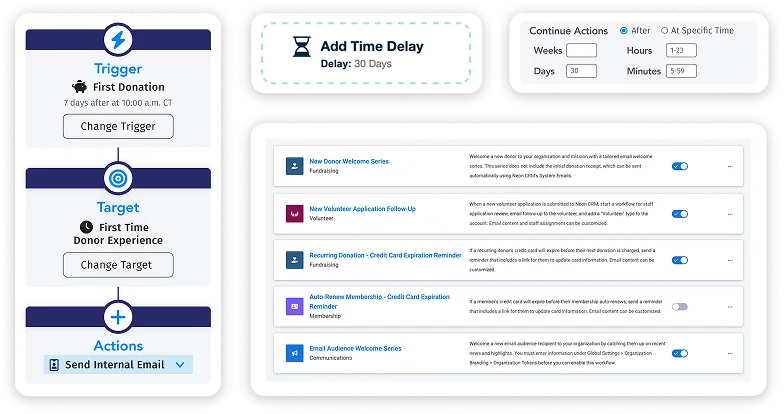
Focus on People, Not Processes
Neon CRM automates the routine parts of engagement so your staff can focus on connecting with your supporters. Spend less time managing tasks and more time building the personal relationships that drive lasting growth.
Turn Gifts Into Relationships
Every donation opens a door to a long-lasting connection. With automated follow-ups, smart triggers, and personalized updates for, Neon CRM helps turn one-time generosity into the kind of ongoing trust that leads to lifelong support.
Never Miss a Moment to Engage
Whether it’s a first-time gift, a lapsed membership, a new volunteer, or an expiring card, Neon CRM acts automatically. Your supporters always hear from you right when it matters most—no manual effort required.
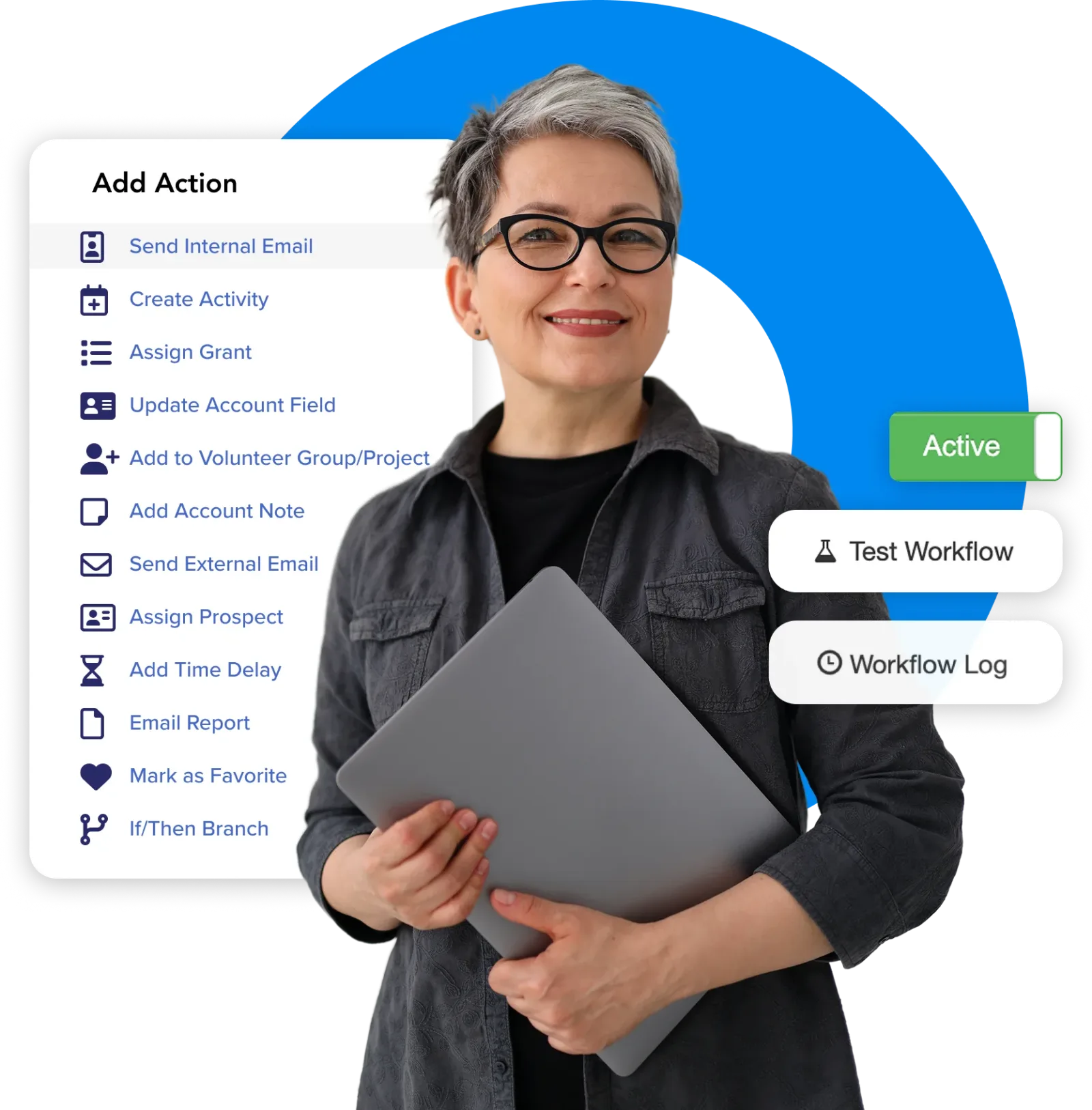
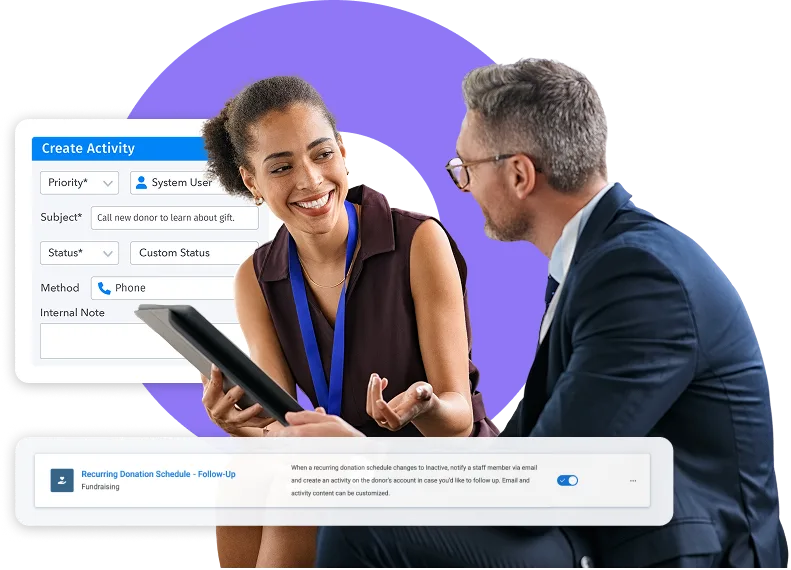
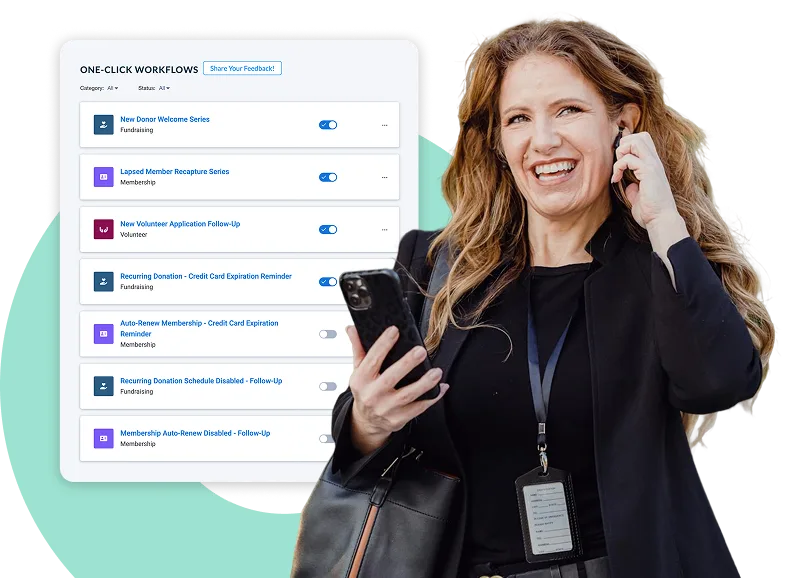
With Neon One’s Nonprofit Automation, You Can:

Send Thank-Yous Instantly
Automatically send timely thanks that reinforce impact and set the tone for loyalty.

Nurture Donors Consistently
Schedule follow-ups and stories that keep supporters engaged without manual list pulls.

Retain More Members
Warn members about expiring cards ahead of their scheduled auto-renewal to prevent benefit interruptions.

Spot Lapses Early
Trigger friendly reminders and internal tasks for staff when someone’s giving or membership activity drops.

Simplify Volunteer Follow-Up
Confirm receipt with applicants, alert staff to review, and update records, all with zero clicks.

Time Outreach Perfectly
Use timed delays to space messages, making outreach feel deliberate and personal—not spammy.

Personalize with Smart Branching
Send different messages based on behavior or thresholds with simple if/then logic.

Launch Multi-Step Automations
Kick off several actions from one trigger—email, tag, task—in a single flow.

Keep Data Spotless
Auto-tag records and log activities so your reports and dashboards stay accurate without extra keystrokes.
TAKE A SELF-GUIDED TOUR
See Neon One’s Nonprofit Workflow Automation in Action
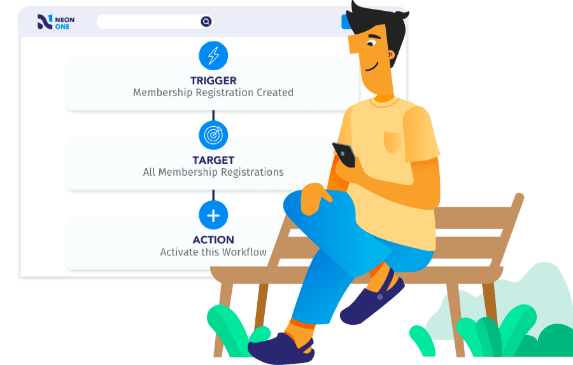
Want to see how automation works in Neon CRM? Explore our One-Click Workflows with this self-guided tour—no meetings or logins required. It’s an easy, no-pressure way to see how Neon CRM helps you simplify supporter engagement.
Over 7,000 Organizations are Raising More with Neon One
“Neon CRM has helped to simplify, automate, and make things easier. When somebody’s payment fails, for example, they get an email and click the link, and easily set up their next payment –and usually increase their giving a little bit.”
Skylin Baestlein, IPH
“What used to take upwards of 25 hours per week now takes about 15 hours, which provides an additional 10 hours of staff time per week that we can use to focus our efforts on proactive fundraising, marketing, and event initiatives.”
Meghan Scheibe, Lawrence Humane Society
“Neon CRM’s workflows are really handy to automate all kinds of communications, like quick follow-ups and even last-minute reminders.”
Mark Mathews, NAMI Greater Mississippi Valley


Pricing That Helps You Grow, and a Nonprofit Platform That Grows With You
With Neon CRM, you get unlimited records, and our revenue-based pricing means you only pay more as you raise more. As you grow, your CRM grows with you. Add modules for events, memberships, and volunteers to manage everything in one spot.
Ready to Automate Your Nonprofit’s Workflows?
With Neon CRM’s automated tools and unlimited workflows, you’ll save time, improve supporter engagement, and bring consistency to your outreach—without needing a tech background or a full development team to make it happen.
Nonprofit Automations FAQs
Automation for nonprofits means using software to run routine tasks like donor communications and record updates. Certain triggers may cause these tasks to run, including a new gift, an expiring membership, or a lapse in giving. Instead of staff manually sending each thank-you or reminder, the system handles the routine steps on its own, freeing time for direct relationship building. Neon CRM builds this capability into its platform with unlimited workflows and customizable triggers.
Neon CRM can automate donor thank-yous, task assignments, membership renewal reminders, lapsed-donor alerts, and record tagging, all triggered by real donor and member activity. Staff can set up multi-step workflows that send a message, assign an internal task, and update a record from a single trigger, using if/then branching to personalize each path. This keeps reporting and dashboards accurate without extra data entry, since Neon CRM’s reporting and analytics tools pull from the same automatically updated records.
No. Nonprofit automation helps organizations of any size, and Neon CRM is built for nonprofits that don’t have a dedicated IT or development team. Smaller teams often see the biggest relative benefit, since automated workflows can cover tasks that would otherwise fall on one or two staff members handling multiple roles. CRM workflows that can be automated include thank-you emails, renewal reminders, and lapse alerts.
Time savings vary by organization, but they can be substantial. Lawrence Humane Society, a Neon CRM customer, reported cutting routine administrative work from about 25 hours a week to about 15 hours after automating donor communications and staff tasks, freeing roughly 10 hours weekly for fundraising and outreach. Results depend on how many manual processes a workflow replaces, so newer or smaller programs may see a smaller initial shift.
No. Neon CRM’s automation tools are built for nonprofit staff, not developers, so setting up a workflow doesn’t require code or a technical background. Staff choose a trigger, such as a new gift or an expiring membership, then build out the emails, tasks, and record updates that follow using point-and-click tools. If a workflow needs adjusting, Neon One’s live chat, email, and phone support is available at no extra cost to help staff make the change.
Yes. Moving from spreadsheets or a mix of separate tools to Neon CRM consolidates donor and member records into one system, which is what makes automation possible in the first place. Tracking donors in spreadsheets is a tedious and manual process, and an automated workflow can’t trigger reliably on data that’s scattered across spreadsheets, an email platform, and a separate payment processor. Neon CRM’s donor database gives every supporter a single record that automated workflows can act on, so a gift, a membership renewal, and a volunteer shift all update the same profile instead of three disconnected ones. Migration support is available to bring existing records over during setup.
Automation capabilities vary widely across nonprofit CRMs: some platforms limit workflows to basic email sequences, while others, including Neon CRM, support multi-step automations that combine emails, staff tasks, and record updates from a single trigger with unlimited workflows. The right fit depends on an organization’s size, budget, and which processes eat up the most staff time. Learn more about the best CRMs for nonprofits that may be a good fit for your organization