

— KEY TAKEAWAYS
Donor management software—a specialized CRM built to track donor information, donations, and engagement in one centralized system—is the most effective way to improve retention and grow your fundraising revenue.
- The core benefit: Replacing scattered spreadsheets with a unified donor database eliminates manual data entry, prevents duplication, and provides a single source of truth for your team.
- What to look for: The most effective platforms centralize fundraising, event management, volunteer tracking, and communications (email & text) to avoid data silos.
- Top solutions for 2026: Leading donor management systems include Neon One, Keela, Little Green Light, and Salesforce Nonprofit Cloud.
- The retention advantage: Centralized systems easily track giving history and automate stewardship. This is crucial, as recurring donors are retained at 78–79% annually compared to just 31–35% for one-time donors.
- How to get started: Identify your nonprofit’s specific needs and budget, then evaluate pricing models (contact-based vs. revenue-based) before shortlisting solutions.
If you feel like your nonprofit has hit a plateau—you’re having a hard time finding and retaining donors, you’re not sure which messages you’re using are most effective, etc.—it might be time to look for some new donor management software.
With the best donor management software at your disposal, you’ll be able to connect with your supporters more easily and more effectively, bringing in new donors and building the kinds of long-lasting relationships that will keep them giving for years to come.
According to Neon One’s Generosity Report—which analyzed 99,522 donors across 2,748 nonprofit organizations—donors who gave for five consecutive years contributed an average of $3,034 over that period, compared to just $187 for one-year donors. The right donor management software is what makes building those relationships possible at scale.
In this article, we’re going long on the ins and outs of donor software, from the core purpose of the technology to key features, a step-by-step buyer’s guide, and reviews of 21 top platforms (including Neon One’s own solution, Neon CRM).
We’ve got a lot to hit. Let’s get started!
Table of Contents
- What is Donor Management Software?
- Donor Management Software FAQs
- What Features Should You Look For in Donor Management Software?
- 21 Top Donor Management Solutions Compared (2026)
- The Best All-in-One Platforms for Growing Nonprofits
- Best for Small Nonprofits & Lean Teams
- Best Free & Budget-Friendly Options
- Best for Digital Fundraising, Events & Campaigns
- Best Enterprise & Large-Scale Solutions
- Best for Specific Niches
- How to Buy Donor Management Software: Your 4-Step Guide
What is Donor Management Software?
Donor management software is a type of Constituent Relationship Management (CRM) system that’s built specifically for nonprofits to track donor information, donations, communications, and engagement in one centralized system.
Think of donor management software as the command center for your nonprofit’s fundraising and relationship-building efforts. It acts as a digital hub where you can organize and analyze all donor information in one place.
Here’s why donor management software is essential for nonprofits:
- Centralizes Data: Donor management software consolidates all this information into an easy-to-access platform that can serve as your organization’s single source of truth. This centralized approach not only saves time but also reduces the risk of data duplication and inaccuracies, ensuring that your donor records are always up to date.
- Improves Fundraising: From planning and promoting to tracking donations and following up, donor management software simplifies the entire process, helping nonprofits raise more funds with less effort and allowing staff to focus on mission-critical activities.
- Personalizes Communication: Today’s donors expect personalized interactions, so sending generic emails or messages can make supporters feel undervalued. Donor management software helps you tailor your communications based on donor preferences, giving history, and expressed interests to make them feel appreciated.
- Analyzes Performance: Effective fundraising requires a deep understanding of your donor base and the ability to measure the success of your campaigns. Donor management software provides robust analytics and reporting tools that help you assess donor behavior, track key metrics, and refine your strategies.
- Increases Donor Retention: According to Neon One’s 2026 Recurring Donor Report, the average nonprofit retains only about 31–35% of one-time donors annually—but retains 78–79% of recurring donors. Donor management software helps you build the kind of consistent, personalized relationships that keep donors giving year after year.
Nonprofits operate in a highly competitive landscape where donor retention and engagement are critical for long-term success. Without a robust donor management system, your nonprofit doesn’t stand much of a chance.
Donor Management Software FAQs
The following questions are among the most common we hear from nonprofits evaluating donor management software.
Unlike general-purpose CRMs, donor management software is designed for nonprofit fundraising workflows. It includes tools for online donations, recurring giving, acknowledgments, event fundraising, donor stewardship, and nonprofit-specific reporting—features most generic CRMs don’t offer out of the box.
Donor management software manages the full relationship with a donor over time, including contact data, communication history, engagement tracking, and giving history. Fundraising software focuses on the transactional side: processing gifts, building campaign pages, and tracking campaign results. Most modern donor management platforms include fundraising tools as well.
Neon CRM handles relationship management and fundraising in a single system, so your team doesn’t have to maintain and reconcile separate tools. You can see how Neon CRM runs campaigns and appeals alongside donor records.
Donor management software costs anywhere from free to thousands of dollars per month. Most platforms charge by contact volume, user count, or organizational revenue, and enterprise platforms usually require a custom quote. Neon CRM uses revenue-based pricing that starts at $99/month and includes unlimited users and constituent records.
Contact-based pricing can climb quickly as your donor list grows, while revenue-based pricing ties cost to what your nonprofit raises. When you compare quotes, you can factor in implementation, data migration, add-on modules, and payment processing fees. You can review Neon CRM’s pricing for current plan details.
Yes. Donor management software improves donor retention by helping your team send personalized, timely communication based on each donor’s giving history and engagement. Automated workflows can send a thank-you email right after a gift, deliver impact updates on a regular schedule, and flag lapsed donors for re-engagement outreach.
Neon CRM’s Generosity Indicator uses predictive scoring to identify the donors most likely to give again, so your development team knows whom to prioritize first. Learn more about how you can improve donor retention with Neon CRM.
Yes. Donor management software helps small nonprofits avoid the data fragmentation of managing donors in spreadsheets, cut time spent on manual acknowledgments and follow-ups, and spot lapsed donors and recurring giving opportunities sooner. Neon CRM starts at $99/month and replaces several disconnected tools with one system.
For a small team, continuity matters too: donor history lives in a shared system instead of one person’s spreadsheet, so a staff change doesn’t erase years of relationship knowledge. Compare options in our guide to the best CRMs for small nonprofits.
Replacing spreadsheets with donor management software gives your nonprofit one accurate, shared donor record and automates routine tasks. Spreadsheets invite data-entry errors, scatter information across files, can’t send communications, and make it hard to track engagement over time. Donor management software centralizes that data and automates acknowledgments and lapsed-donor alerts.
That automation frees staff time your team currently spends on manual follow-up. Centralized data also makes it possible to segment donors by giving history, interests, and engagement, so each appeal fits the person who receives it.
Yes. Many donor management platforms, including Neon CRM, work as full nonprofit CRMs that track relationships with every type of supporter: volunteers, event attendees, advocates, and members alongside donors. Neon CRM keeps those interactions in a single database, so your team sees how each person engages with your mission.
That full view helps you spot a volunteer who could become a donor or a member who deserves recognition before a renewal ask. Neon CRM offers volunteer management features for recruitment, scheduling, and hour tracking.
Donor management software implementation takes anywhere from a few days to several months, depending on your data’s complexity and the platform you choose. Simple tools can go live in days to a few weeks, Neon CRM typically takes 4 to 8 weeks including data migration, configuration, and staff training, and enterprise platforms often take 3 to 6 months with outside consultants.
Most vendors offer onboarding help and data migration support during setup, so you can ask each vendor what its team handles and what your staff will own. You can see how Neon One supports customers during onboarding and beyond.
The best donor management software depends on your nonprofit’s size, budget, and needs. Neon CRM fits nonprofits that want one connected platform for fundraising, events, volunteers, memberships, and communications. Small teams focused on simplicity may start with a lighter, lower-cost tool, and enterprise organizations with complex data may need a quote-based platform.
Do You Know Your Donors?
They’re more generous than you might think … and we have proof. Download The Generosity Report today!
What Features Should You Look For in Donor Management Software?
The only thing worse than not using any kind of donor management software at all is choosing the wrong donor management solution. You can help your organization avoid that fate by keeping your eyes peeled for the following core features in a potential donor management platform.
1. Donor Database
At the heart of any effective donor management software is a strong donor database. This is your system of record—the place where every supporter’s information lives, stays organized, and remains accessible to your whole team.
A modern donor database stores detailed contact information, communication history, event participation, and a complete log of donations, including one-time, recurring, and pledged gifts. With tools like custom fields, tags, and segmentation, you can group donors based on behavior, interests, or giving history.
Instead of a static list, a donor database gives you a living, 360-degree view of each supporter and forms the backbone of your fundraising and donor engagement strategy.
2. Fundraising Features
Fundraising tools are where donor management software really earns its keep. Instead of juggling disconnected systems, modern platforms bring your core fundraising capabilities into one place.
That usually includes building online donation forms, running campaigns and appeals, and tracking every gift—one-time, recurring, tribute, or campaign-specific—back to the donor who made it. Many systems also support peer-to-peer fundraising and event-based giving, so all that activity lives alongside your donor data.
Add in automated receipts, acknowledgments, and real-time reporting, and you get a clearer picture of which tactics are hitting the target (and which are missing the mark), without spending hours pulling spreadsheets or chasing down data.
3. Automation & Workflows
Automation tools help nonprofits stay responsive and consistent without adding more manual work to already-full plates.
Automated workflows trigger actions—like emails, notifications, or updates—based on donor activity or milestones. Common examples include immediate thank-you emails after a gift, scheduled impact updates, birthday or anniversary messages, and re-engagement campaigns for lapsed donors.
These workflows ensure supporters receive timely, relevant communication without staff needing to remember every follow-up. When set up thoughtfully, automation helps nonprofits nurture relationships at scale while freeing teams to focus on strategy, creativity, and high-impact fundraising efforts.
4. Communication Tools (Email & Text)
Strong donor relationships depend on consistent, thoughtful communication. Integrated communication tools allow nonprofits to manage outreach across multiple channels without juggling separate systems.
Email marketing features support segmented campaigns, automated messages, and personalized content based on donor data. Many platforms also include SMS tools for quick reminders, event updates, or campaign alerts. Direct mail integrations, meanwhile, remain valuable for reaching supporters who respond better to printed communication.
By using segmentation and personalization—such as referencing past gifts or interests—nonprofits can send messages that feel relevant rather than generic, helping build trust and long-term engagement.
5. Analytics & Reporting
Nonprofit analytics software helps organizations understand what’s working—and what’s not—across fundraising and engagement efforts.
Custom dashboards surface key metrics like donation totals, donor retention rates, and campaign performance in an easy-to-read format. Automated reports can be scheduled and shared with staff or leadership, reducing the need for manual data pulls. Trend analysis adds deeper insight by revealing patterns in donor behavior over time.
With clear, accessible data, nonprofits can make more informed decisions, refine strategies, and plan future campaigns with greater confidence and clarity.
6. Event Management & Ticketing
Fundraising events are complex, and event management features help keep everything organized in one place.
Integrated tools support ticket sales, RSVPs, attendance tracking, and donation collection without relying on separate platforms. Automated follow-up emails help maintain momentum after the event, while real-time reporting provides visibility into ticket revenue and donor engagement as it happens.
Because event data lives alongside donor records, nonprofits can more easily understand how events fit into the broader supporter journey. Streamlining logistics and reporting allows teams to spend less time managing details and more time creating meaningful experiences.
7. Volunteer Management
Volunteer management features help nonprofits coordinate one of their most valuable resources: people. These tools make it easier to create volunteer opportunities, promote them online, and collect sign-ups in one place.
Built-in onboarding workflows can handle forms, waivers, and welcome emails automatically. Scheduling tools allow volunteers to choose shifts and receive reminders, while tracking features log hours, roles, and participation history.
By managing volunteer and donor data together, nonprofits gain a clearer picture of supporter involvement and can build deeper relationships with people who give both their time and their money.
8. Membership Management
For nonprofits that rely on memberships—associations, arts organizations, community groups, and advocacy orgs—membership management is a core requirement, not a nice-to-have.
Strong membership management features go beyond simply tracking who’s ‘active’ or ‘expired.’ The best systems allow you to create flexible membership levels, manage renewals automatically, and tie membership activity directly to donor and engagement data. That means you can see not just who is a member, but how they give, attend events, volunteer, and engage over time.
Key capabilities to look for include automated renewal reminders, online join and renewal forms, configurable membership terms and benefits, and self-service member portals where supporters can update their information or renew on their own.
9. Integrations
No donor management system does everything on its own, which makes integrations especially important. Integrations connect your CRM with tools like email marketing platforms, payment processors, accounting software, and event systems.
Strong integrations reduce duplicate data entry, minimize errors, and help information flow smoothly between systems. Many platforms offer pre-built integrations with common tools, along with APIs for custom connections when needed.
Before choosing donor management software, it’s important to confirm that it works well with the tools your nonprofit already relies on—and can adapt as your tech stack evolves.
Your action guide to build relationships that drive growth.
In this playbook, we’ll dive into insights that can help and simple steps you can take to start putting relationships first in your day-to-day work.
21 Top Donor Management Solutions Compared (2026)
And now, for the main course: deep dives into each of the solutions we’ve included on this list. But first, a brief look at how our team built this list and made these judgments in the first place.
Our Methodology
The 21 platforms in this guide were selected and evaluated based on the following:
- Market Focus: We looked exclusively at nonprofit CRMs serving organizations in the US and Canada.
- Direct Research: We pulled product features, offerings, and pricing directly from each company’s website.
- User Feedback: We dug deep into real customer reviews on G2 and Capterra to get an objective picture of each platform’s strengths and weaknesses.
- Industry Insights: Where available, we drew on firsthand conversations with nonprofits about their software experiences.
One last disclosure: Neon CRM is (obviously) our system. If you want to take what we say about it with a grain of salt, so be it! We encourage you to try one of our product tours or book a demo so you can make your own decision.
Alright, let’s hop in! You can use the links below to jump to a specific category you’re interested in.
- The Best All-in-One Platforms for Growing Nonprofits
- Best for Small Nonprofits & Lean Teams
- Best Free & Budget-Friendly Options
- Best for Digital Fundraising, Events & Campaigns
- Best Enterprise & Large-Scale Solutions
- Best for Specific Niches
| Software | Best for | Standout strengths | Key tradeoffs | Pricing |
|---|---|---|---|---|
| The Best All-in-One Platforms for Growing Nonprofits | ||||
| Neon CRM (by Neon One) | Orgs that want a complete nonprofit platform with fundraising + donor CRM + events + volunteers + memberships + comms in one system. | Broad do-it-all feature set for relationship management plus revenue-based pricing, strong automation + unlimited users and records | Advanced reporting/automation can take some training to fully unlock. | Starts at $99/mo (Revenue-based model) |
| Keela | Small/midsize orgs wanting an all-in-one CRM + automation + insights. | Clean UX + automation + donor insights + AI. | Some advanced setup takes time; integrations are narrower than larger CRMs. | Starts at $99/mo (Contact-based model) |
| Bloomerang | Small/midsize orgs prioritizing ease of use + retention focus. | Clean UX; donor timelines, segmentation, engagement scoring. | Key capabilities (like advanced events and volunteers) often require paid modules/add-ons. | Starts at $125/mo (Contact-based model) |
| Best for Small Nonprofits & Lean Teams | ||||
| Little Green Light | Small nonprofits that want affordability + all features included; strong fundamentals. | Flat, record-based pricing; broad features included across the board. | Less advanced automation/customization as orgs scale. | Starts at $45/mo (Record-based model) |
| DonorSnap | Budget-conscious small/midsize orgs wanting lots included. | Flat, contact-based pricing; broad features included across tiers. | UI can feel dated; email tool limits; highly manual processes at scale. | Starts at $39/mo (Contact-based model) |
| Donor Dock | Small nonprofits / lean teams wanting guidance + simplicity. | ActionBoard task prompts + built-in email/text + basic P2P. | Smaller integration ecosystem (often Zapier) and fewer enterprise-level capabilities. | Free plan available, paid starts at ~$120/mo |
| Best Free & Budget-Friendly Options | ||||
| Zeffy | Small/midsize orgs prioritizing completely free fundraising tools. | No subscription/transaction fees (optional donor tip model). | Tip model can confuse donors; may not scale for advanced CRM needs. | Free (Optional donor tip model) |
| Give Lively | Grassroots orgs wanting fast, free digital fundraising & text-to-give. | No platform fees; highly functional text-to-give and P2P tools. | Standard payment processing fees still apply; limited native CRM depth. | Free (No platform fees, standard processing fees apply) |
| CiviCRM | Massive databases on a tight budget needing ultimate customization. | Open-source, no licensing fees, infinite scalability, deep CMS integrations. | Steep learning curve; heavy technical/IT requirements for setup and maintenance. | Free software, requires hosting/IT budget |
| Microsoft Excel / Google Workspace | Extremely small databases and strict $0 software budgets. | Absolute flexibility, no software cost, cloud collaboration. | Highly manual data entry, data silos, version control issues as the team grows. | Free tier (Google) or ~$179.99/license (Excel) |
| Best for Digital Fundraising, Events & Campaigns | ||||
| GoFundMe Pro (formerly Classy) | Mid/large orgs running complex peer-to-peer and crowdfunding campaigns. | Premium donor checkout experience, top-tier P2P capabilities, massive scale. | High entry costs and annual contracts; not a standalone CRM. | Starts at ~$299/mo (Quote-based + annual contract) |
| Givebutter | Modern, interactive, and social campaigns that appeal to younger donors. | Highly visual UI, live donor feeds, robust P2P and text-to-donate. | Donor tip model can cause friction; native CRM tools are relatively basic. | Free (Optional tip model) or 3% platform fee |
| Funraise | Orgs that prioritize high-performing digital fundraising campaigns. | Conversion-optimized donation forms + strong P2P + polished donor experience. | Paid tiers are quote-based; can be more than you need if campaigns are simple. | Free plan available, paid starts at $150-$200/mo |
| Donorbox | Fast setup, embeddable website forms, and recurring giving programs. | Seamless website integration, robust recurring donation management. | Compounding per-transaction platform fees; limited CRM depth. | Free base plan (+ 1.75-2.95% platform fee), Pro is $150/mo |
| Best Enterprise & Large-Scale Solutions | ||||
| Salesforce Nonprofit Cloud | Large/complex orgs needing deep customization and scale. | Extremely flexible data model + vast AppExchange ecosystem. | Implementations can be heavy; total cost grows with users, modules, and consulting. | 10 Free Licenses, then $60/user/mo |
| Blackbaud Raiser’s Edge NXT | Mid/large orgs with complex enterprise fundraising ops. | Deep feature set + analytics + wealth screening + Blackbaud ecosystem. | High cost + steep learning curve; resource-intensive to run well. | Quote-based |
| Virtuous | Midsize/large orgs focused on scaling through automated donor journeys. | Strong automation + predictive signals + multi-channel marketing tools. | Mandatory onboarding/fees; reporting customization can be challenging. | Quote-based |
| CharityEngine | Large orgs wanting a truly unified ecosystem without third-party integrations. | Native payment processing, advanced marketing automation, built-in advocacy tools. | Challenging learning curve; enterprise-tier pricing. | Quote-based |
| DonorPerfect | Midsize/larger orgs needing strong reporting + data analysis. | Robust reporting + integrations; solid campaign/appeal tracking. | UI can feel dated; power comes with complexity; costs scale with tiers. | Quote-based |
| Best for Specific Niches | ||||
| Bonterra (EveryAction & Network for Good) | Orgs that want a broad fundraising ecosystem (especially advocacy). | Wide breadth: fundraising, comms, events/auctions, P2P, and advocacy tools. | Experience varies by product/tier; pricing is quote-based and can add complexity. | Quote-based |
| Tithely (Formerly Breeze) | Small to mid-sized churches and faith-based organizations. | Predictable $72/month flat rate, Sunday school check-ins, congregation management. | Lacks non-church functionality; limited for complex enterprise mega-churches. | $72/mo flat rate |
The Best All-in-One Platforms for Growing Nonprofits
Platforms in this category are comprehensive, unified systems designed to manage the entire donor lifecycle. Instead of patching together multiple standalone apps using Zapier, these solutions offer native donor databases, online giving forms, email marketing, and operational tools (like volunteer and event management) under one roof. They are ideal for growing nonprofits that want a single source of truth for all their constituent data.
1. Neon CRM (by Neon One)

Neon CRM is a cloud-based donor management and fundraising platform built specifically for nonprofit organizations. As the flagship product in the Neon One ecosystem, it is designed to provide an integrated solution that combines donor relationship tracking, fundraising tools, and operational management into a single system.
Key Features
- Donor & Constituent Management: Centralized profiles that track giving history, engagement, relationships, and interactions across all supporters.
- Unlimited Users and Records: Add as many constituent records and user seats as you like without fear of increasing costs.
- Fundraising Tools (including P2P): Tools to manage one-time and recurring donations, peer-to-peer fundraising, campaigns, and appeals in a single system with unlimited campaigns
- Online Donation Forms: Mobile-optimized, branded donation forms supporting recurring gifts, tributes, suggested amounts, and custom acknowledgments.
- Automation & One-Click Workflows: Unlimited automated donor journeys, acknowledgments, follow-ups, both pre-built and fully customizable, to reduce manual work and improve stewardship.
- Email & Text Communications: Integrated email marketing and SMS tools for segmented campaigns, reminders, and donor updates with performance tracking.
- Event Management: Event setup, ticketing, registrations, digital check-in, attendee tracking, and post-event reporting.
- Volunteer Management: Volunteer management, recruitment, scheduling, hour tracking, and engagement history linked directly to constituent records.
- Membership Management: Tools for managing memberships, renewals, levels, directories, and member engagement benefits.
- Payment Processing (Neon Pay): Secure, PCI-compliant payment processing through Neon Pay for credit/debit cards, ACH, Apple Pay, and Google Pay, with fast access to funds.
- Integrations & Ecosystem: Native integrations with tools like QuickBooks, Mailchimp, Zapier, analytics platforms, and open API access.
- Free Live Chat, Email & Phone Support: Contact our team through chat, phone, or email. Virtual chat agents are also available 24/7.
Want to learn more about Neon CRM? Take a free, self-guided tour of the system!
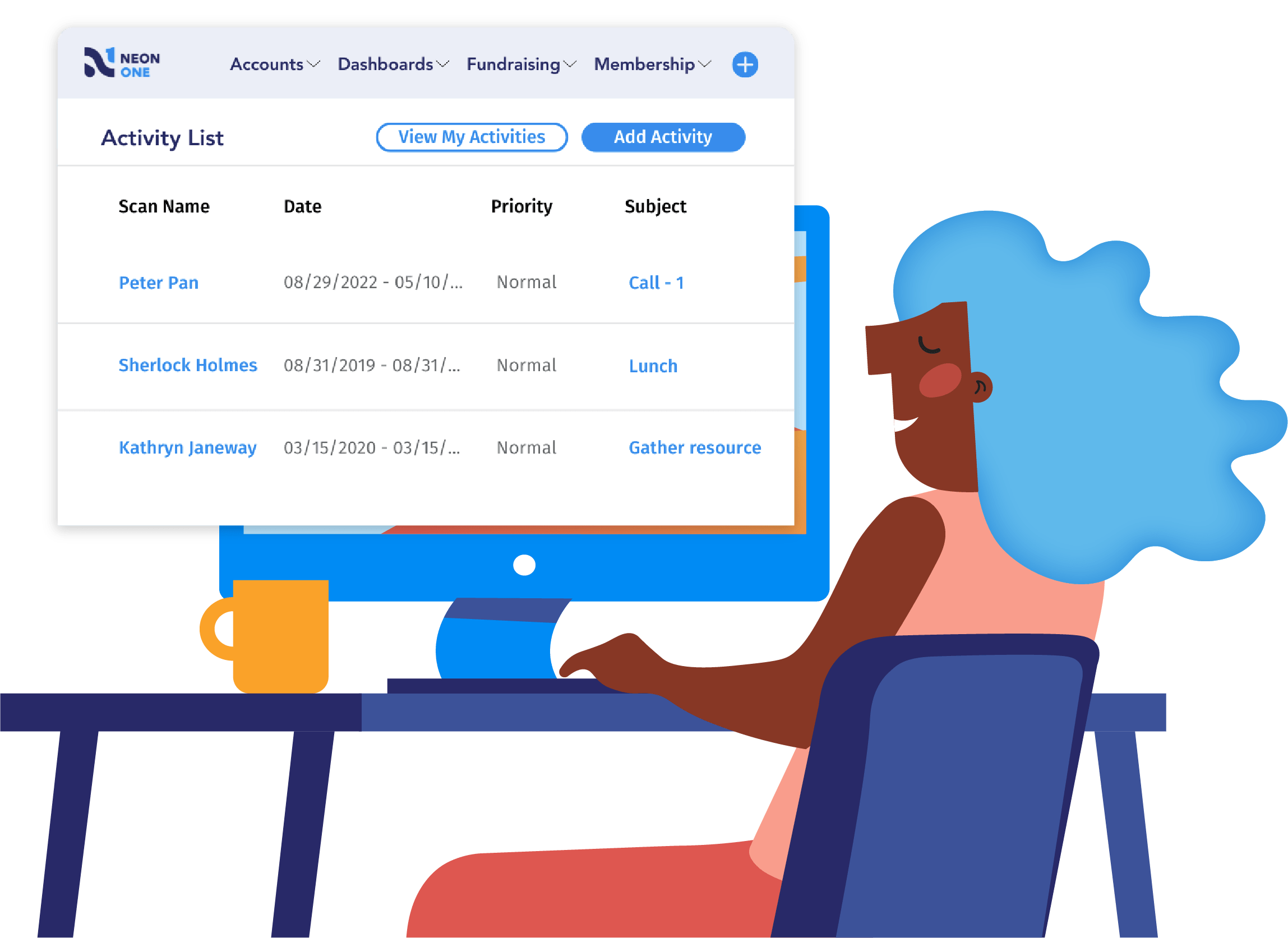
See Neon CRM in Action
Take this self-guided tour and see how top nonprofits build community, raise more, and save time with a single platform that manages it all!
Plans & Pricing
Neon CRM pricing begins at $99 per month. The platform uses a revenue-based pricing model rather than contact-based pricing, meaning costs do not increase simply because an organization’s database grows. All plans include unlimited users, forms, emails, workflows, and reports. Add-on modules are available for Memberships, Events, and Volunteer management.
This donor management software may work for you if…
- You want everything in one system. Reviewers consistently highlight the platform’s breadth of features, appreciating that donor management, events, volunteers, and communications live in one cohesive system rather than disconnected tools.
- You have a rapidly growing database. The revenue-based pricing model allows organizations to grow their supporter list without facing immediate pricing tier penalties.
But look out for…
- Training requirements for advanced tools. While easy for day-to-day tasks, setting up more advanced features like custom reports and complex automation workflows often requires additional training to fully leverage.
- Data migration complexity. Organizations moving from highly customized legacy systems may experience a longer migration process when adapting to the new data architecture.
2. Keela
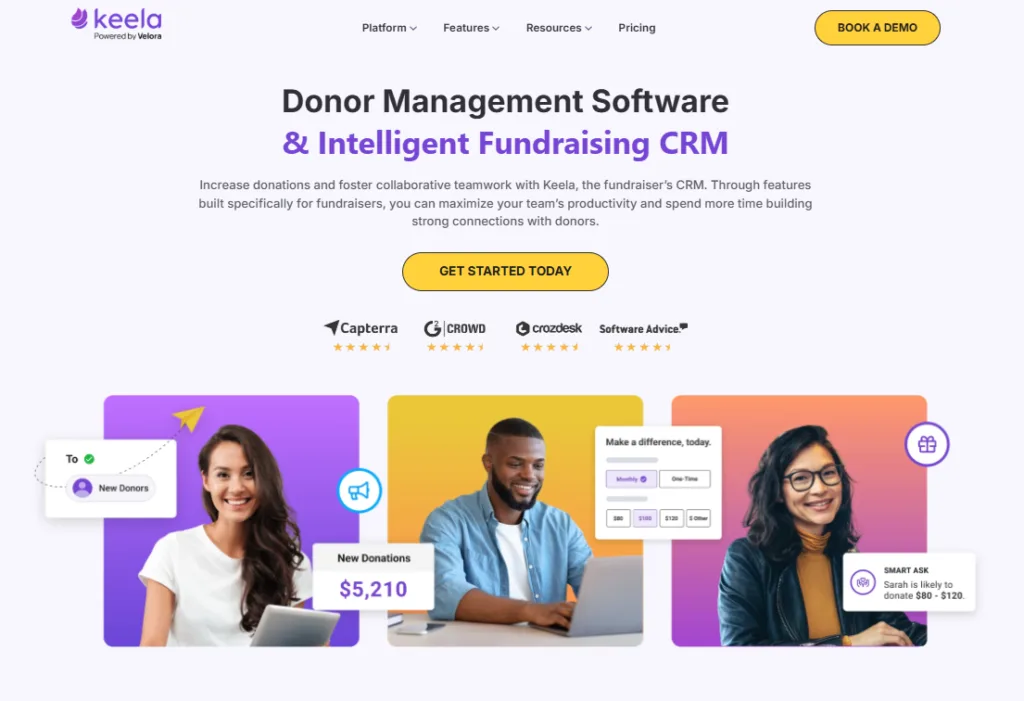
Keela is a cloud-based donor management CRM and fundraising platform built to give small and mid-sized nonprofits access to automation and data insights without enterprise-level complexity. The system combines donor management, online fundraising, and email marketing into a single interface.
Key Features
- Donor Database & CRM: Centralized records featuring giving history, interactions, and segmentation tools.
- AI-Powered Donor Insights: Predictive analytics that surface likely repeat donors, lapsed risks, and suggested ask amounts.
- Online Giving & Peer-to-Peer: Branded donation forms and supporter-driven fundraising pages.
- Email & Direct Mail Tools: Built-in email marketing with personalization, engagement tracking, and mail-merge support.
- Reporting & Integrations: Pre-built dashboards with native integrations to QuickBooks Online and Mailchimp.
Plans & Pricing
Keela utilizes a contact-based pricing model, including all core features at every tier. Billed annually, plans start at $99/month for up to 2,000 contacts and scale upward. The platform does not charge transaction fees beyond standard payment processor rates.
This donor management software may work for you if…
- You want an approachable design. Users frequently praise Keela’s clean, intuitive interface, noting that day-to-day tasks are easy to learn for non-technical staff.
- You value data insights. The AI-driven tools assist teams in prioritizing outreach and optimizing ask amounts efficiently.
But look out for…
- Workflow setup challenges. Some organizations report that automated workflows can be difficult to configure and occasionally prone to failing, requiring manual intervention.
- Integration configuration. Syncing Keela with external accounting or marketing tools can sometimes require extra setup time and configuration.
3. Bloomerang
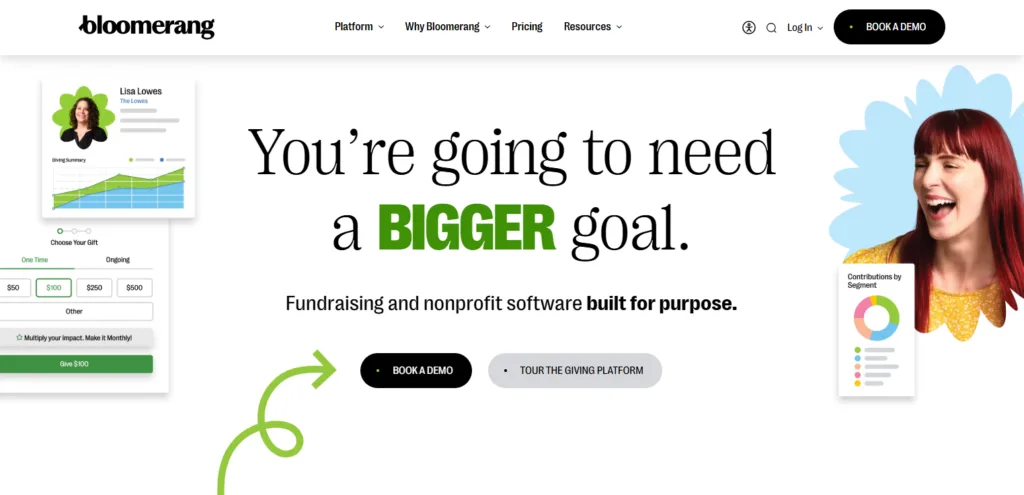
Bloomerang is a user-friendly, database-style donor management system designed with a strong focus on helping nonprofits improve their donor retention rates. The platform centralizes constituent data and offers streamlined communication and reporting tools aimed at growing long-term donor relationships.
Key Features
- Constituent Timeline: Visual timelines display donor interactions in chronological order.
- Engagement Meter: Engagement scores estimate a supporter’s involvement based on activity and giving behavior.
- Data Segmentation: Filters and segments donors using engagement metrics and giving patterns.
- Dashboard & Reporting: Displays fundraising metrics and retention data in a simplified dashboard interface.
- Mobile App: Allows staff to view donor records and enter gifts remotely.
- Wealth Screening: Provides basic wealth indicators and external giving insights.
Plans & Pricing
Bloomerang’s core CRM starts at $125 per month, which includes constituent management, personalized email tools, and basic reporting. Nonprofits can expand functionality with paid add-ons: the Giving+ module (enhanced fundraising) starts at $40 per month, and Volunteer Management starts at $119 per month.
This donor management software may work for you if…
- You have a small-to-midsize team. Bloomerang is frequently praised for its ease of use, clean interface, and approachable design, making onboarding highly manageable for teams with limited technical resources.
- Retention is your primary KPI. The built-in engagement meters and retention-focused dashboards keep relationship-building metrics front and center for development staff.
But look out for…
- Add-on costs. Advanced fundraising, event ticketing, and volunteer capabilities require additional paid modules, which can increase overall costs as your organization grows.
- Workflow limitations. Some users note that the timeline-based navigation and reporting interface, while visually clean, can sometimes feel less flexible when attempting to pull highly customized or complex data queries.
Best for Small Nonprofits & Lean Teams
Lean development teams and grassroots nonprofits need intuitive software that works right out of the box without requiring a dedicated database administrator. The best donor management software for small nonprofits prioritizes ease of use, guided workflows, and affordable pricing over complex enterprise customization. If your organization is upgrading from spreadsheets and needs a system that a one- or two-person team can master quickly, start here.
4. Little Green Light
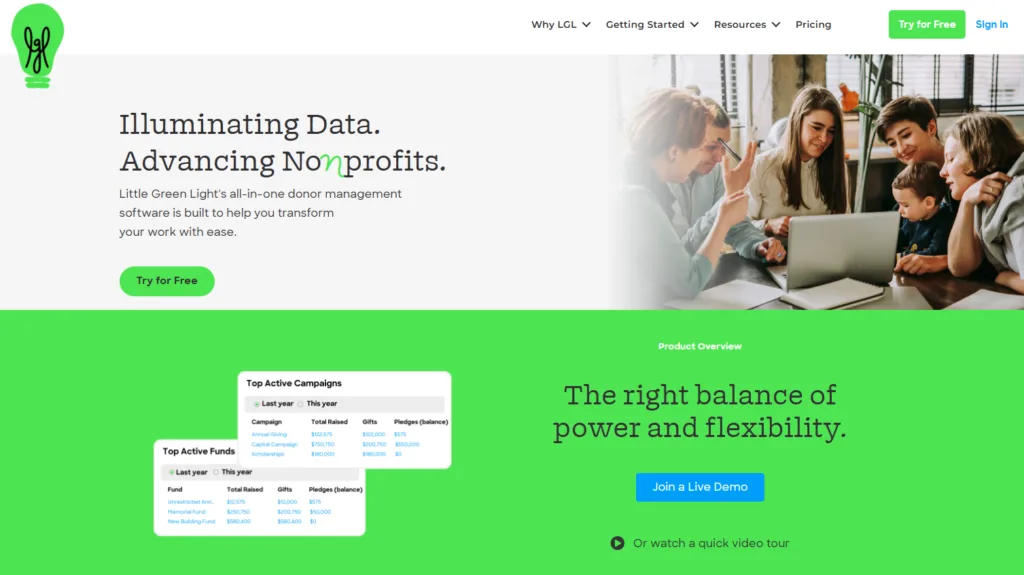
Little Green Light is an all-in-one system built specifically for small nonprofits to manage donor relationships, track fundraising activity, and handle basic communications without the complexity of larger CRM platforms.
Key Features
- Constituent Management: Manages donor, member, and volunteer records within a single database.
- Donation Forms: Built-in online donation forms that automatically sync gifts to donor records.
- Reporting & Analytics: Pre-built and customizable reports for monitoring fundraising performance.
- Tracking Tools: Capabilities for logging volunteer hours, membership levels, and event attendance.
- Integrations: Connects with select email, accounting, and payment tools.
Plans & Pricing
Little Green Light uses a transparent, usage-based pricing model determined by the number of constituent records. Pricing begins at $45/month for up to 2,500 records. All features are included at every pricing tier.
This donor management software may work for you if…
- You need affordable fundamentals. The pricing is highly budget-friendly for small teams and grants immediate access to the full suite of tools.
- You value strong customer service. Users consistently describe the support team as responsive, knowledgeable, and helpful.
But look out for…
- Manual processes at scale. As organizations grow, users note a lack of advanced automation, which can lead to highly manual list-building and export processes.
- Integration stability. Some users report occasional sync issues with third-party tools like Mailchimp, which can disrupt regular donor communications.
5. DonorSnap
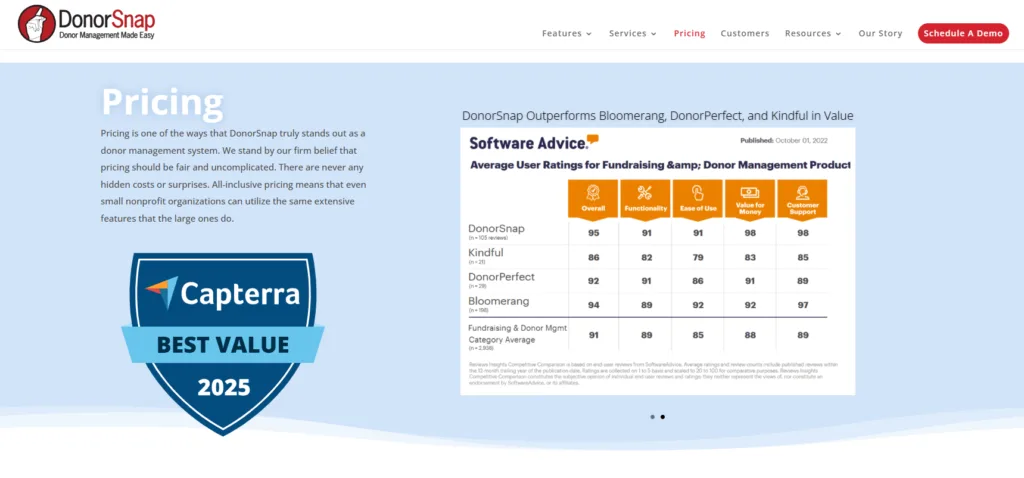
DonorSnap is a cloud-based donor management system designed for small nonprofits that want increased functionality at an accessible price point. The platform focuses on providing core CRM capabilities—including donor tracking, online forms, and reporting—without charging extra for add-ons or advanced modules.
Key Features
- Donor & Constituent Database: Centralized records for donors, members, and volunteers, equipped with custom fields.
- Donation & Pledge Tracking: Tracks one-time, recurring, in-kind, and pledged gifts with batch entry support.
- Online Forms & Payments: Mobile-friendly forms for donations and events that feed directly into the CRM.
- Reporting & Analytics: Pre-built reports alongside a custom report builder for donor and retention insights.
- Integrations: Offers native integrations with QuickBooks and Constant Contact, plus API access.
Plans & Pricing
DonorSnap uses a flat, contact-based pricing model with all features included at every tier. Billed annually, pricing starts at $39/month for up to 1,000 contacts and scales up to $199/month for 30,000 contacts. All plans include unlimited users and online forms.
This donor management software may work for you if…
- You want predictability and value. The flat pricing structure includes the full breadth of tools—from volunteers to memberships to accounting—without hidden fees.
- You need easy customization. Users consistently highlight how simple it is to customize fields and data structures without technical expertise.
But look out for…
- A dated interface. The system’s backend interface is often described as feeling older compared to newer platforms, which may initially impact intuitiveness.
- Built-in email limits. The native email tools are functional but feature a basic editor and monthly send caps, which may not suit organizations running complex marketing programs.
6. Donor Dock
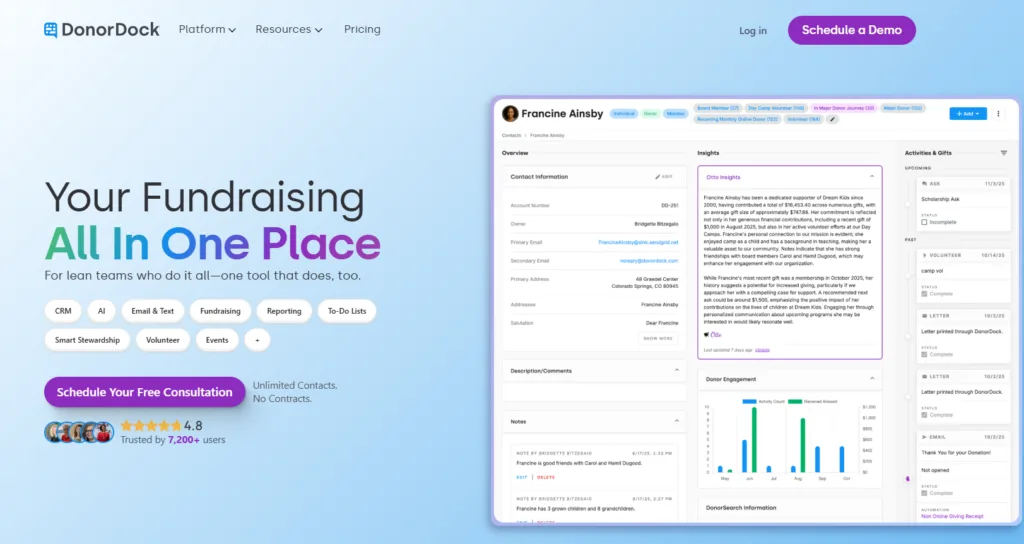
Donor Dock is a modern, all-in-one donor management and fundraising platform tailored for small nonprofits, grassroots organizations, and lean teams. It emphasizes simplicity and guided workflows, prioritizing ease of use so organizations can track donors and raise funds without needing a dedicated database administrator.
Key Features
- ActionBoard & AI Assistant (Otto): A daily dashboard that surfaces task reminders, follow-ups, and stewardship prompts.
- Donor & Contact Management: Centralized records for donors, volunteers, and members with engagement timelines.
- Online Giving: Branded donation pages with recurring giving options and integration with Stripe/PayPal.
- Email & Text Communication: Built-in email tools and basic SMS messaging tied to donor profiles.
- Donor Insights: AI-driven analytics tracking retention, giving trends, and donor value.
- Mobile Access: Web-based mobile access for looking up records and tasks on the go.
Plans & Pricing Donor Dock offers a Free Plan that supports up to 1,000 contacts, core CRM features, and online donations. Paid plans start around $120 per month and scale upward based on contact volume and feature requirements. The platform does not charge transaction percentages, though standard Stripe/PayPal fees apply (with an option for donors to cover them).
This donor management software may work for you if…
- You are transitioning from spreadsheets. The platform is highly praised by newer organizations for its approachability and modern interface.
- You want guided task management. The AI-powered ActionBoard acts as a virtual assistant, helping lean teams proactively prioritize outreach and stewardship tasks without needing to manually generate call lists.
But look out for…
- Integration limits. Donor Dock relies heavily on Zapier for third-party connections, meaning its native integration ecosystem is smaller than that of more mature CRMs.
- Customization ceilings. To preserve simplicity, the platform constrains deep customization. Larger organizations requiring highly customized workflows, multi-entity structures, or complex reporting may outgrow the system over time.

Here Are the 7 Best CRMs for Small Nonprofits in 2026
Best Free & Budget-Friendly Options
For early-stage nonprofits or organizations operating with a strict $0 software budget, keeping overhead costs low is critical. The solutions in this category offer free core functionality, relying either on optional donor tipping models or philanthropic funding to cover their platform fees. They provide a highly accessible, low-risk starting point for accepting online donations and organizing basic supporter data.
7. Zeffy
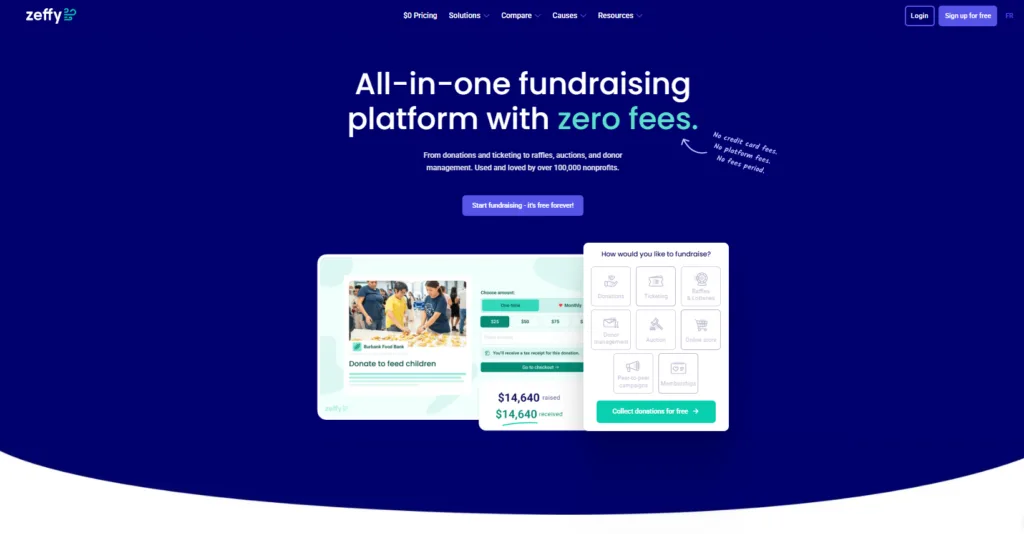
Zeffy is a fundraising and donor management platform specifically designed to be free for nonprofits. It combines online giving tools, event ticketing, and a basic donor CRM into a single system. Instead of charging subscription or transaction fees, Zeffy relies on an optional donor “tip” at checkout to cover its operating costs.
Key Features
- Online Giving & Peer-to-Peer: Branded donation forms and crowdfunding pages supporting one-time and recurring gifts.
- Event Ticketing & Auctions: Built-in tools for selling tickets, managing attendees, and running online or in-person raffles/auctions.
- Donor Database: Centralized profiles tracking contact details, giving history, and basic segmentation.
- Automated Communications: Automatic tax receipting and acknowledgments, plus basic email tools for outreach.
- Integrations: Connections to common tools like QuickBooks and Stripe, often facilitated through Zapier.
Plans & Pricing
Zeffy is entirely free to use, meaning there are no subscription fees, setup costs, or transaction fees. All features are available to all nonprofits. Zeffy covers processing fees by asking donors to leave an optional tip during the checkout process.
This donor management software may work for you if…
- You have a strict $0 budget. Zeffy’s completely fee-free pricing model makes it highly attractive to grassroots and budget-conscious organizations.
- You want all core tools in one place. The all-in-one structure covers donations, events, and peer-to-peer fundraising, helping small teams avoid juggling multiple disparate systems.
But look out for…
- Donor confusion. Some nonprofits report that the optional donor tip model can occasionally confuse donors during the checkout process and may require additional explanation.
- A ceiling on advanced features. While it covers the basics well, Zeffy lacks the deeper customization, advanced segmentation, and analytics found in more sophisticated CRMs, meaning rapidly scaling organizations may eventually outgrow it.
8. Give Lively
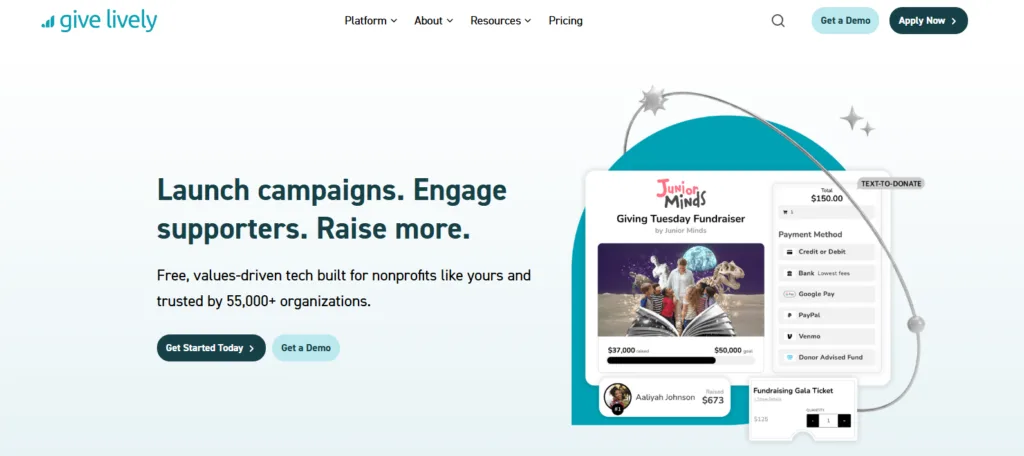
Give Lively is a digital fundraising platform built to help nonprofits collect online donations, run peer-to-peer campaigns, and manage events without incurring platform fees. Because it is funded philanthropically, it offers its software layer to nonprofits for free, making it a popular choice for grassroots organizations focused heavily on digital giving.
Key Features
- Donation Pages & Text-to-Give: Mobile-optimized donation forms and highly functional text-to-give tools for live events.
- Peer-to-Peer Fundraising: Supporter-led campaign pages with goal tracking.
- Event Ticketing: Basic event registration and ticket sales.
- Integrations: Direct integrations with major CRMs like Salesforce to sync donor data.
Plans & Pricing
Give Lively does not charge a platform fee or a monthly subscription. However, it does not process its own payments; all transactions are routed through Stripe. Nonprofits are responsible for standard Stripe processing fees (e.g., 2.2% + $0.30 per credit card transaction).
This donor management software may work for you if…
- You want fast, free digital fundraising. For nonprofits coming off legacy systems, Give Lively’s setup is remarkably fast, allowing organizations to accept online donations almost immediately.
- You run live events. The text-to-give functionality is frequently praised as easy to use and highly effective for in-person appeals.
But look out for…
- Processing fees still apply. While the software is free, organizations still lose a small percentage of every donation to Stripe’s processing fees (unlike fully fee-free models like Zeffy).
- Limited native CRM depth. Give Lively is primarily a fundraising tool, not a full donor database. Organizations needing advanced reporting, segmentation, or long-term relationship tracking will likely need to pair it with a dedicated CRM.
9. CiviCRM
CiviCRM is a cloud-based, open-source constituent relationship management solution built exclusively for nonprofits, civic organizations, and associations. Because it is open-source, organizations have complete ownership of their data and the flexibility to deeply customize the platform to fit their exact workflows.
Key Features
- Donor & Contact Management: Centralized database with unlimited contacts and highly customizable fields to track unique relationships.
- Donation & Contribution Tracking: Processes one-time gifts, recurring donations, and pledges with integrations for payment gateways like Stripe, PayPal, and Authorize.net.
- Event Management: Tools to manage event logistics, ticketing, and attendance tracking.
- Membership Management: Manages member dues, discount options, and member portals seamlessly when integrated with a CMS.
- Email Marketing & Campaigns: Built-in email campaign management featuring A/B testing, scheduled jobs, and custom reporting.
- Advocacy & Grant Tracking: Specialized modules to handle advocacy campaigns, case management, and grant tracking.
- CMS/Website integrations: Direct integrations with content management systems like WordPress, Drupal, and Joomla allow organizations to connect their CRM and website.
Plans & Pricing
The CiviCRM software is open-source and completely free to download, meaning there are zero subscription costs or licensing fees, and no limits on the number of users or contacts. However, nonprofits must budget for indirect costs, including robust VPS hosting, standard payment processing fees, and the cost of IT support or a developer partner to implement, customize, and maintain the system.
This donor management software may work for you if…
- You have a massive database on a tight software budget. Organizations with hundreds of thousands of records can scale their database and user base infinitely without facing the negative cost implications of contact-based or per-user pricing models.
- You need ultimate customization. The open-source nature and vast extension library empower nonprofits to tailor everything perfectly to their specific needs and workflows.
But look out for…
- A steep learning curve and dated interface. Users frequently note that the platform is not the most user-friendly out of the box, and the backend user interface feels dated and clunky compared to modern standards.
- Heavy technical requirements. Setup, running, and maintaining the software is not a simple plug-and-play process. Organizations without dedicated IT staff typically need to hire a skilled developer or partner for proper implementation and to handle complex system upgrades.
10. Microsoft Excel or Google Workspace

While not traditional CRM software, Microsoft Excel and Google Sheets remain the foundational starting point for countless grassroots nonprofits. These universal spreadsheet programs allow early-stage organizations to track donor names, contact details, and basic giving histories with absolute flexibility.
Key Features
- Absolute Flexibility: Custom columns, rows, and grids tailored exactly to what the organization wants to track.
- Data Visualization: Built-in tools for generating charts, graphs, and pivot tables to analyze giving trends.
- Mail Merge: Seamless integration with Microsoft Word or Google Docs for generating physical acknowledgment letters.
- Cloud Collaboration: (Specifically with Google Workspace or Microsoft 365) allows multiple team members to view the database simultaneously.
Plans & Pricing
Google Workspace offers a free tier specifically for eligible nonprofits. A standalone Microsoft Excel license costs $179.99 per PC/Mac, though Microsoft also offers heavily discounted or free Microsoft 365 grants for 501(c)(3) organizations.
This donor management software may work for you if…
- You have an extremely small database. Spreadsheets are highly effective for managing the first few hundred donors before operational complexity sets in.
- You have a $0 budget. It is the most accessible way to begin organizing supporter data without committing to a new software ecosystem.
But look out for…
- Highly manual processes. Spreadsheets require manual data entry for every donation, increasing the risk of human error and duplicated records.
- Data silos and security risks. Without native payment processing, email marketing, or automated workflows, data remains isolated. Version control also becomes a major headache as the team grows.

How to Track Your Donors in Spreadsheets (+ Free Donor Database Template)
Best for Digital Fundraising, Events & Campaigns
Some nonprofits prioritize digital conversion and social giving above deep, backend data management. The software in this category excels at interactive online fundraising, peer-to-peer campaigns, crowdfunding, and event ticketing. These platforms offer highly optimized, modern donation forms designed to reduce checkout friction, appeal to younger donor demographics, and maximize online giving revenue.
11. GoFundMe Pro (formerly Classy)
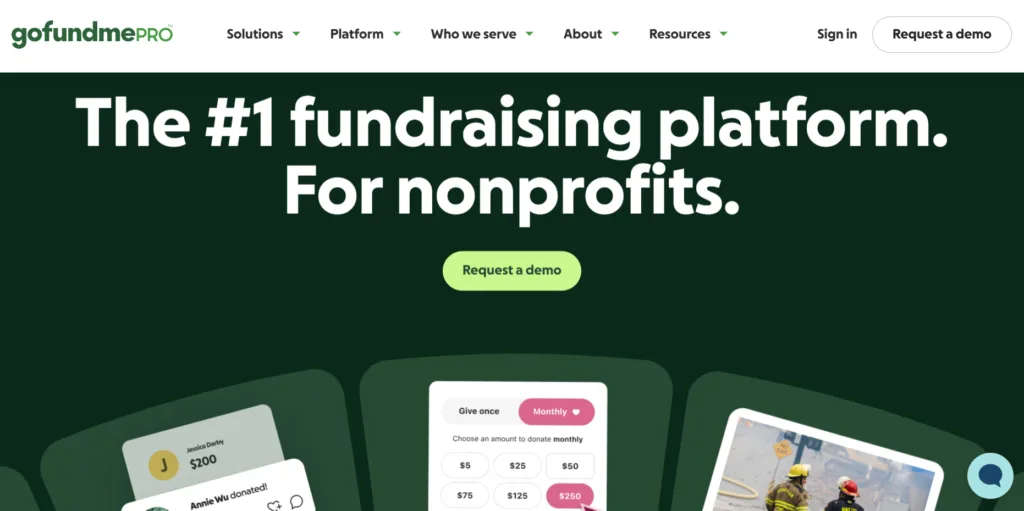
GoFundMe Pro is a premium digital fundraising platform designed to help nonprofits scale their online revenue. Following Classy’s acquisition by GoFundMe, the platform combined its enterprise-grade fundraising software with the massive scale of the GoFundMe network. It is widely recognized for its robust peer-to-peer functionality, customizable campaigns, and comprehensive event management capabilities.
Key Features
- Peer-to-Peer & Crowdfunding: Advanced supporter-led fundraising tools with team structures, leaderboards, and social sharing.
- Donation Pages & Forms: Highly customizable, branded donation forms supporting recurring giving and digital wallets.
- Event Management: Comprehensive tools for event ticketing, registrations, live events, auctions, and mobile bidding.
- Corporate Giving: Specialized functionality to engage corporate sponsors and manage workplace giving.
- Integrations: Deep native integrations with major CRMs like Salesforce, plus connections to other third-party platforms.
Plans & Pricing
GoFundMe Pro targets mid-sized to enterprise organizations and utilizes a quote-based pricing model. Plans typically start around $299 per month and generally require an annual contract. Organizations must also account for standard payment processing fees, and optional add-ons (such as specific CRM integrations or auction tools) are available for an additional cost.
This donor management software may work for you if…
- You run complex peer-to-peer campaigns. The platform is highly regarded for its top-tier peer-to-peer and crowdfunding capabilities, making it ideal for organizations that rely heavily on supporter-driven fundraising.
- You want a premium donor experience. GoFundMe Pro offers highly polished, conversion-optimized donation pages and allows for custom domains, ensuring a seamless and fully branded checkout experience for donors.
But look out for…
- High entry costs. With steep starting prices and required annual contracts, it is often prohibitively expensive for small or grassroots nonprofits.
- Post-acquisition support shifts. Some industry reviews note a shift in the customer support experience since Classy was acquired by GoFundMe, leaning toward a ticket-based approach that can be challenging for teams without dedicated IT support.
- It is not a full CRM. While it captures robust donor data, GoFundMe Pro is fundamentally a digital fundraising engine. Organizations will still need to pair it with a dedicated donor database for long-term relationship and moves management.
12. Givebutter
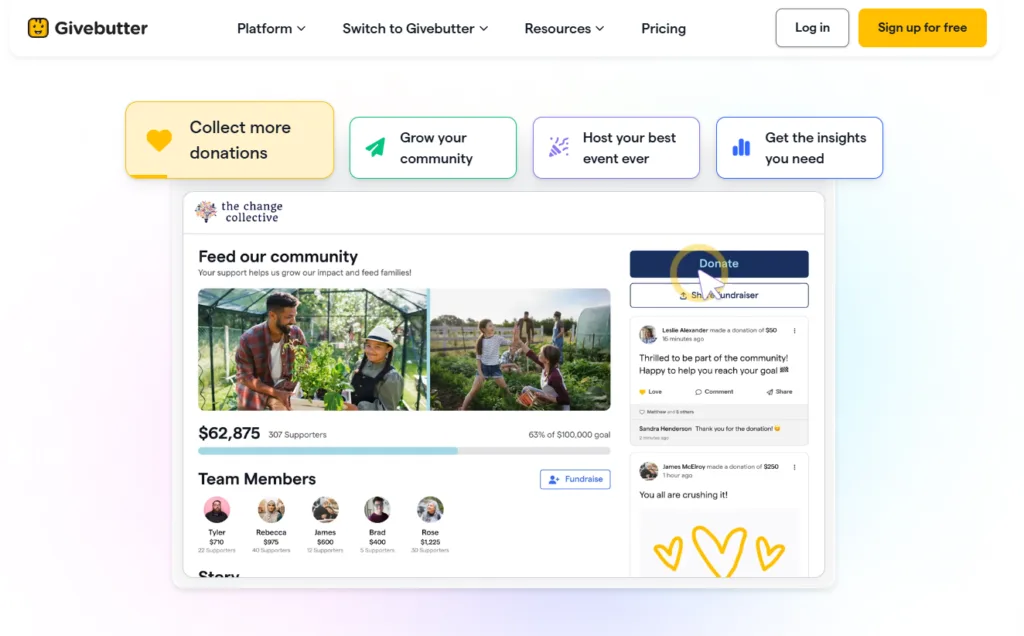
Givebutter is a campaign-driven fundraising platform that blends online donation collection with event ticketing, peer-to-peer tools, and a built-in CRM. Known for its highly visual, modern interface, the platform is designed to make giving feel interactive and social for supporters.
Key Features
- Interactive Campaigns: Customizable donation pages featuring live donor feeds, GIFs, and comments.
- Peer-to-Peer & Events: Built-in tools for team fundraising, event ticketing, and auctions.
- Text-to-Donate: SMS engagement and outbound text messaging capabilities.
- Donor CRM: A centralized dashboard to track donor interactions, segments, and giving histories.
- Payment Flexibility: Supports Venmo, Apple Pay, Google Pay, PayPal, and DAFs (Donor Advised Funds).
Plans & Pricing
Givebutter’s standard platform is free to use, utilizing an optional donor tip model to cover costs. If an organization chooses to disable donor tips, a 3% platform fee applies. Standard payment processing fees (2.9% + $0.30) apply to transactions, though donors are given the option to cover these at checkout. A paid “Givebutter Plus” subscription is available for advanced marketing and automation tools.
This donor management software may work for you if…
- You want a modern, social experience. The platform is highly regarded for its engaging, social-media-style interface that appeals strongly to younger donor demographics.
- You run heavy peer-to-peer campaigns. Givebutter provides excellent out-of-the-box tools for managing interactive, multi-team fundraising events.
But look out for…
- The donor tip model. If utilized to keep the platform free, some organizations find that the optional “tip Givebutter” prompt at checkout can cause slight friction or confusion for donors.
- CRM limitations. While Givebutter includes donor management features, organizations with complex segmentation, long-term retention strategies, or detailed reporting needs may find the native CRM less robust than a dedicated enterprise system.
13. Funraise
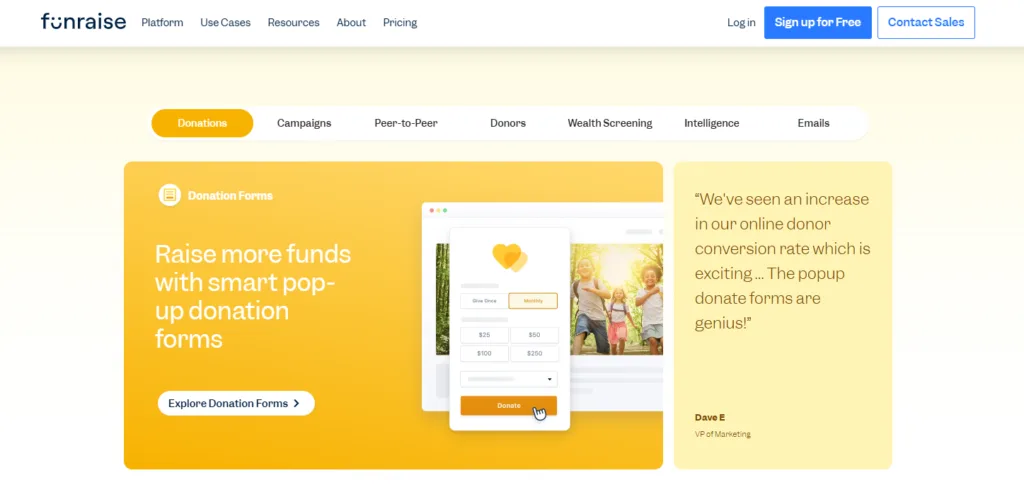
Funraise is a fundraising-first platform built to help nonprofits run high-performing digital campaigns. It combines a donor database with robust online giving tools, peer-to-peer fundraising, and event ticketing into a visually polished system.
Key Features
- Online Donation Forms: Highly customizable, conversion-optimized forms supporting A/B testing and digital wallets.
- Peer-to-Peer & Crowdfunding: Supporter-led fundraising pages equipped with teams, goals, and leaderboards.
- Event Management & Auctions: Ticketing, live check-in, and mobile bidding auctions.
- Payment Flexibility: Broad processor support including Apple Pay, Google Pay, ACH, Venmo, and crypto.
- CRM & Communications: Centralized donor records with built-in email and SMS messaging.
Plans & Pricing
Funraise offers a Free Plan supporting up to 1,000 contacts with basic fundraising tools and Funraise branding. Paid plans are quote-based, typically starting in the $150-$200/month range and scaling for larger organizations.
This donor management software may work for you if…
- Digital conversion is your top priority. Nonprofits consistently highlight the quality of Funraise’s donation forms, noting meaningful improvements in online conversion rates.
- You run frequent peer-to-peer campaigns. The platform provides highly polished tools for supporter-led fundraising events.
But look out for…
- Higher costs for smaller teams. The pricing barrier for paid plans can be steep for smaller nonprofits once they move beyond the free tier.
- Feature overwhelm. Organizations that do not run frequent or complex digital campaigns might end up paying for advanced functionality they do not fully utilize.
14. Donorbox
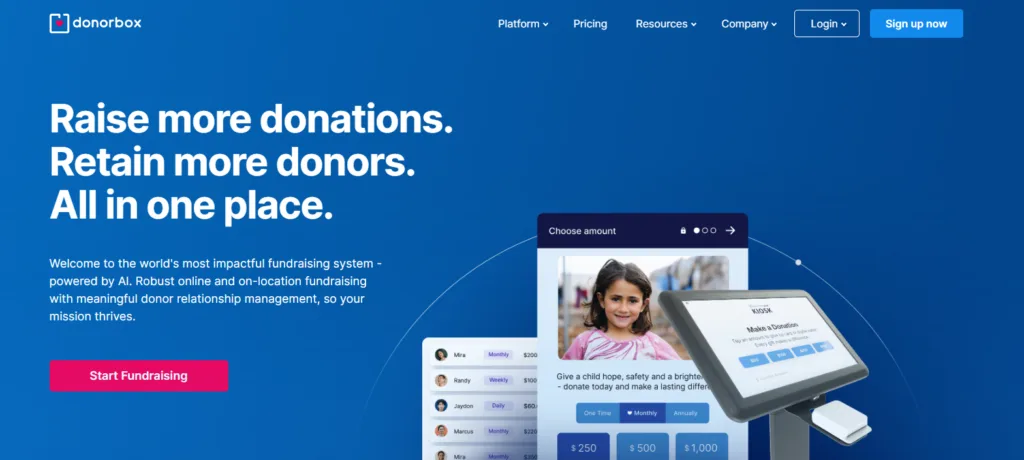
Donorbox is an online fundraising and donor management platform tailored for fast setup and seamless website integration. It is widely used by organizations that want to embed high-converting, customizable donation forms directly into their existing websites without needing to rebuild their digital infrastructure.
Key Features
- Embeddable Donation Forms: Optimized, highly customizable forms that drop seamlessly into WordPress, Squarespace, Wix, and other site builders.
- Recurring Giving: Advanced tools for managing sustaining donors, allowing supporters to log in and adjust their recurring plans.
- Peer-to-Peer & Crowdfunding: Tools to launch supporter-driven campaigns quickly.
- Donor Management (CRM): A built-in dashboard for tracking donor interactions, segments, and basic reporting.
- On-Site Giving: “Donorbox Live Kiosk” app turns tablets into on-site card readers for live events.
Plans & Pricing
Donorbox offers a Free (Standard) plan with no monthly subscription, but it charges a 1.75% to 2.95% platform fee on top of standard payment processing fees (2.2% + $0.30). The Pro Plan costs $150/month and offers reduced platform fees alongside advanced features. Premium plans are quote-based.
This donor management software may work for you if…
- Recurring donations are your lifeblood. Donorbox is highly praised for its recurring giving infrastructure, making it easy for organizations to build and manage sustaining donor programs.
- You want to keep donors on your website. The embeddable forms keep donors natively on your site rather than redirecting them to a third-party checkout page.
But look out for…
- Compounding platform fees. While the standard plan has no monthly cost, the per-transaction platform fees (up to 2.95%+) can add up quickly for growing nonprofits, making it less cost-effective at scale than flat-rate software.
- Limited CRM depth. Similar to Givebutter, the built-in donor management tools are relatively basic. Complex reporting or deep moves management will likely require an integration with a larger CRM.

14 Top Online Fundraising Platforms for Nonprofits (2026)
Best Enterprise & Large-Scale Solutions
Large, national, or highly complex nonprofits require software capable of handling massive data volume, multi-department workflows, and advanced predictive analytics. The enterprise CRM solutions in this tier offer deep customization, extensive third-party integration ecosystems (via APIs or AppExchanges), and the sophisticated security protocols necessary for scaling fundraising at an institutional level.
15. Salesforce Nonprofit Cloud
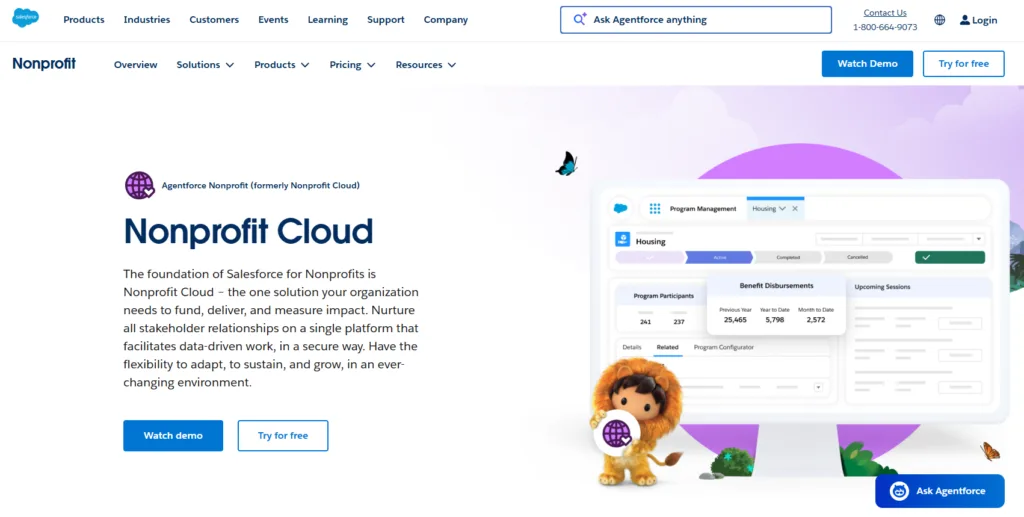
Salesforce Nonprofit Cloud is an enterprise-grade CRM solution built on the Salesforce platform, featuring nonprofit-specific tools and data structures for fundraising, programs, and engagement. It is widely known for its deep customization and scalability, as well as access to the AppExchange marketplace.
Key Features
- Constituent Database: Offers a unified view of individuals, households, and organizations with highly flexible data modeling.
- Fundraising Management: Tracks one-time gifts, recurring donations, pledges, soft credits, and tribute gifts.
- Program & Case Management: Tools for tracking services, outcomes, and program participation alongside donor data.
- Reporting & Dashboards: Highly configurable dashboards for monitoring fundraising performance and retention.
- AppExchange & APIs: An extensive integration ecosystem for marketing, finance, and custom connections.
Plans & Pricing
Salesforce offers the Power of Us program, which provides eligible nonprofits with 10 free Enterprise Edition licenses. Beyond that, the Enterprise Edition costs $60/user/month, and the Unlimited Edition is $100/user/month. Optional add-ons, such as Program Management or Marketing Cloud, are priced separately.
This donor management software may work for you if…
- You need deep customization. Organizations can meticulously tailor data models, workflows, and permissions to match highly complex operations and multi-department needs.
- You want a centralized hub. With the AppExchange, nonprofits can connect a massive range of third-party systems, turning Salesforce into a central “source of truth” across the organization.
But look out for…
- Accumulating backend costs. Costs can rise quickly as organizations add users, storage limits, premium modules, and third-party apps.
- Implementation complexity. Because of its scale, setting up and maintaining Salesforce often requires specialized expertise, consultant support, and dedicated CRM administration resources.
16. Blackbaud Raiser’s Edge NXT

Raiser’s Edge NXT, from Blackbaud, is a comprehensive donor management and fundraising platform designed for mid-sized to large nonprofits. It provides a wide range of features for relationship management, fundraising analytics, and donor engagement.
Key Features
- Constituent Management: Manages complex donor profiles, relationships, and interactions for large organizations.
- Campaign Management: Supports multi-layered campaigns, funds, and appeals with detailed tracking.
- Online Giving: Donation and event forms process gifts directly into the CRM.
- Analytics & Wealth Screening: Advanced analytics and predictive insights support forecasting, while integrated prospect research identifies high-capacity donors.
- Event Management: Manages events, registrations, attendance, and associated revenue.
- Security: Enterprise-grade security protocols, permissions, and data governance features.
Plans & Pricing
Pricing details for Raiser’s Edge NXT are customized based on the nonprofit’s size and specific requirements. Costs typically include subscription fees that vary depending on user count and database size, along with add-on fees for advanced features (like wealth screening) and implementation. Organizations must contact Blackbaud directly for a quote.
This donor management software may work for you if…
- You have complex fundraising operations. Customer reviews frequently emphasize the breadth and depth of the feature set, particularly praising the robust constituent management and advanced analytics.
- You use other Blackbaud tools. Reviewers appreciate Raiser’s Edge NXT’s tight integration with the broader Blackbaud product ecosystem.
But look out for…
- Higher overall costs. Pricing can be prohibitively expensive for smaller or budget-conscious nonprofits.
- A steep learning curve. The system is powerful but requires significant time, resources, and internal expertise to manage effectively, especially for organizations without dedicated database or IT staff.
17. Virtuous
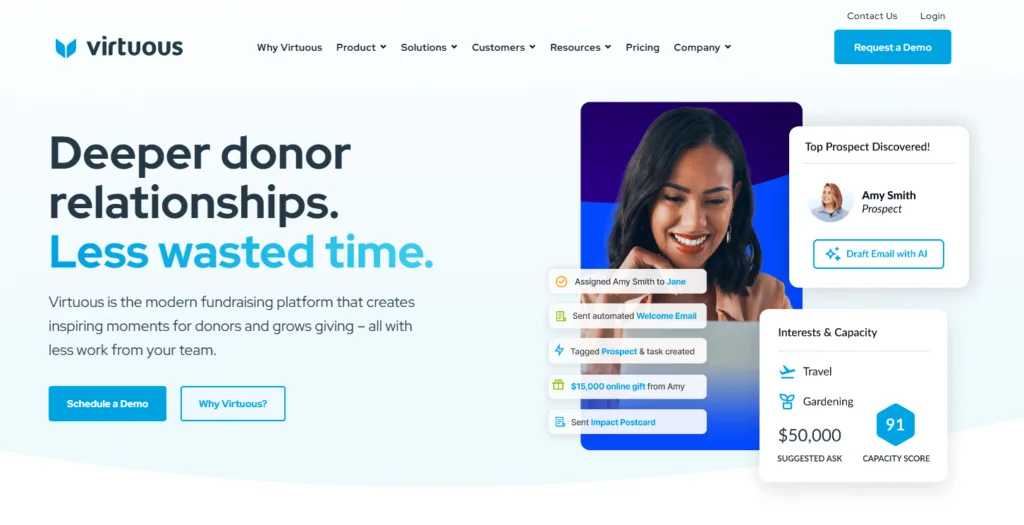
Virtuous CRM is a platform designed for nonprofits seeking to enhance donor engagement and streamline fundraising activities through automated processes. It combines centralized data tracking with built-in marketing automation and predictive analytics.
Key Features
- Donor Management & Custom Fields: Centralized profiles to track giving and engagement history, paired with a flexible data model for extensive customization.
- Automation: Workflows designed to automate donor journeys and follow-up communications.
- Business Intelligence & AI: Built-in BI tools for advanced data analysis, plus AI-driven “Donor Signals” that alert teams to changes in donor behavior.
- Fundraising & Events: Online giving pages for recurring gifts and campaigns, along with tools for tracking event registrations and revenue.
- Volunteer Management: A volunteer portal that tracks sign-ups and hours alongside donor data.
Plans & Pricing
Virtuous offers a Platform Plan (for growing nonprofits) and an Enterprise Plan (for larger organizations requiring custom integrations and multi-organization setups). Pricing is quote-based and tailored to organizational requirements. Both plans require mandatory onboarding and implementation fees.
This donor management software may work for you if…
- Scaling outreach is a priority. Reviewers frequently highlight the platform’s strong automation capabilities, which help teams personalize donor engagement efficiently.
- You want strong onboarding support. Customer support is generally viewed positively, with users describing the onboarding assistance and guidance as helpful.
But look out for…
- Reporting setup time. While the reporting tools are robust, some users note that tailoring reports to highly specific needs can require extra time or expertise.
- Initial cost and learning curves. The system features a steep learning curve for teams new to advanced automation, and the mandatory setup fees may present a barrier for smaller budgets.
18. CharityEngine
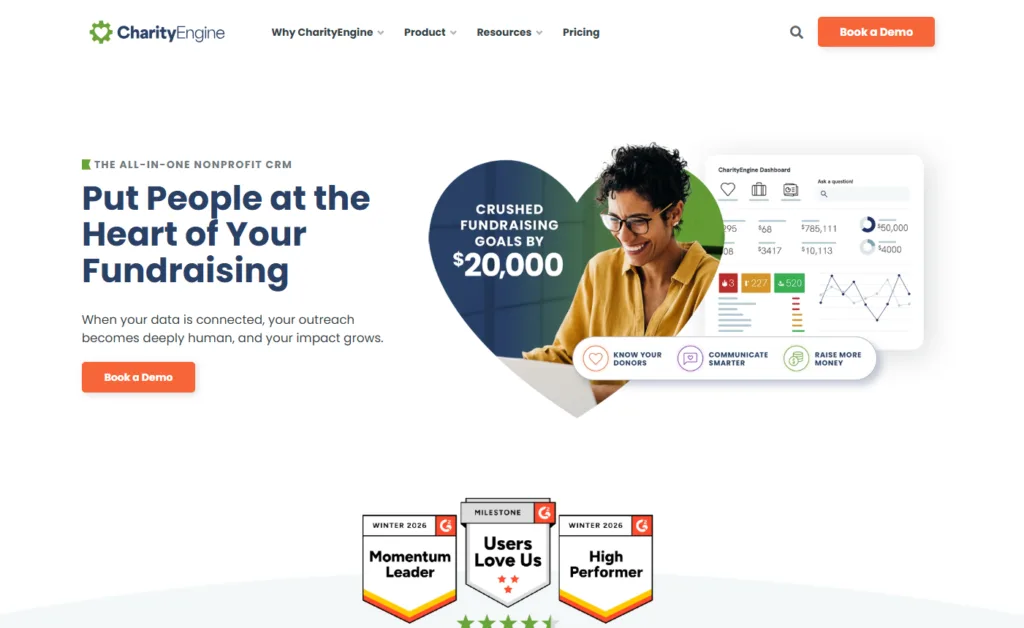
CharityEngine is a comprehensive, all-in-one CRM designed to handle complex fundraising, advocacy, and payment processing directly in a unified system. It is uniquely structured to act as a 360-degree interface, meaning nonprofits do not need to rely on external payment processors or third-party email tools to run their operations.
Key Features
- Native Payment Processing: Built-in, secure payment processing eliminating the need for third-party gateways.
- Advanced Marketing Automation: Complex workflow capabilities for email marketing, direct mail, and donor journeys.
- Advocacy Tools: Integrated features for managing petitions, matching gifts, and supporter advocacy campaigns.
- Comprehensive Analytics: Deep, real-time reporting dashboards for tracking donor loyalty and revenue forecasting.
- Event & P2P Management: Tools for planning large-scale initiatives and peer-to-peer campaigns.
Plans & Pricing
CharityEngine utilizes custom, quote-based pricing. Costs are scaled based on the organization’s size, feature requirements, and database volume. Organizations must contact the CharityEngine sales team directly for pricing information.
This donor management software may work for you if…
- You want a truly unified ecosystem. Because it handles its own payment processing and marketing automation natively, organizations can avoid the “Franken-stack” of tying together multiple apps with Zapier.
- You manage sustaining donors at scale. The platform is highly regarded for its ability to handle complex recurring billing and large-scale monthly giving programs securely.
But look out for…
- A challenging learning curve. The user interface (known as LISAT) is highly powerful but is frequently described as less intuitive than modern competitors, requiring a significant time investment to master.
- Enterprise-tier pricing. The depth of the platform means it is generally priced out of reach for small or grassroots nonprofits.
19. DonorPerfect
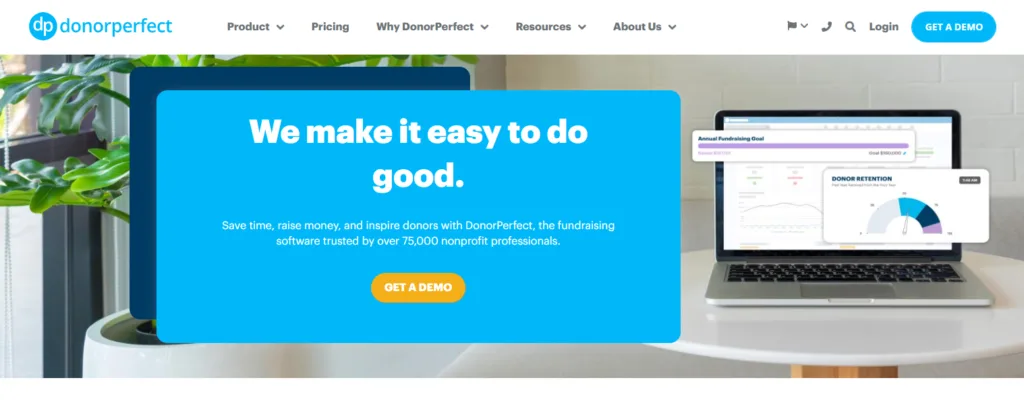
DonorPerfect is a donor management system designed to help nonprofits manage donor relationships, fundraising activities, and reporting in a single platform. It offers a broad set of built-in tools that support donation processing, campaign tracking, and data analysis, making it a common choice for organizations with more complex fundraising needs.
Key Features
- Reporting & Analytics: Pre-built and customizable reports to analyze donor trends, retention, and campaign performance.
- Recurring Giving: Manages recurring donation programs with automated processing and reminder capabilities.
- Donation Forms: Offers branded online forms for one-time and recurring donations that flow directly into the CRM.
- Email Marketing Integration: Integrates natively with Constant Contact to support email campaigns and engagement tracking.
- Campaign & Appeal Tracking: Tracks fundraising campaigns, appeals, and event-related donations across channels.
- Automation: Supports basic workflows for acknowledgments, alerts, and task reminders.
- Integrations & API: Connects with a wide range of third-party tools, including accounting and marketing platforms.
- Mobile App: Enables gift entry and donor lookups through a mobile app for use in the field.
- Security & Permissions: Includes role-based access controls and PCI-compliant payment processing.
Plans & Pricing
DonorPerfect offers tiered plans designed to support nonprofits at different stages of growth, though specific pricing is not publicly disclosed.
- Core Plan: Designed for small nonprofits and includes donor management, online donation and event forms, donor portals, and basic automation.
- Plus Plan: Adds tools for enhanced fundraising and engagement, such as QuickBooks integration, event fundraising features, batch gift entry, and scheduled reporting.
- Pro Plan: Intended for larger organizations and includes advanced reporting, direct mail segmentation, and expanded API access.
Organizations must contact DonorPerfect directly to receive customized pricing details.
This donor management software may work for you if…
- You rely heavily on data analysis. Users consistently highlight the system’s robust reporting tools, which allow nonprofits to analyze donor behavior, campaign performance, and giving trends in detail.
- You need to connect to a specific tech stack. The platform offers strong integration options with tools like QuickBooks, Mailchimp, and Constant Contact, making it easier to connect donor data with accounting and communications workflows.
But look out for…
- A steep learning curve. The tradeoff for DonorPerfect’s power is complexity; new users often report a steep learning curve, especially when configuring reports, automation, or advanced features.
- An older user interface. Some users note that the system’s backend interface can feel dated and clunky during day-to-day use. Additionally, the front-end donation forms are occasionally cited as lacking the modern polish seen in newer platforms.
- Pricing scalability. While the base functionality is solid, costs can increase quickly as organizations move into higher tiers or add advanced capabilities.
Best for Specific Niches
Not all nonprofits operate under a standard fundraising model. Organizations with highly specific operational needs—such as performing arts venues selling assigned seating or advocacy groups managing legislative petitions—require purpose-built tools. The platforms in this category solve hyper-specific industry challenges that general-purpose CRMs typically cannot handle natively.
20. Bonterra (EveryAction & Network for Good)
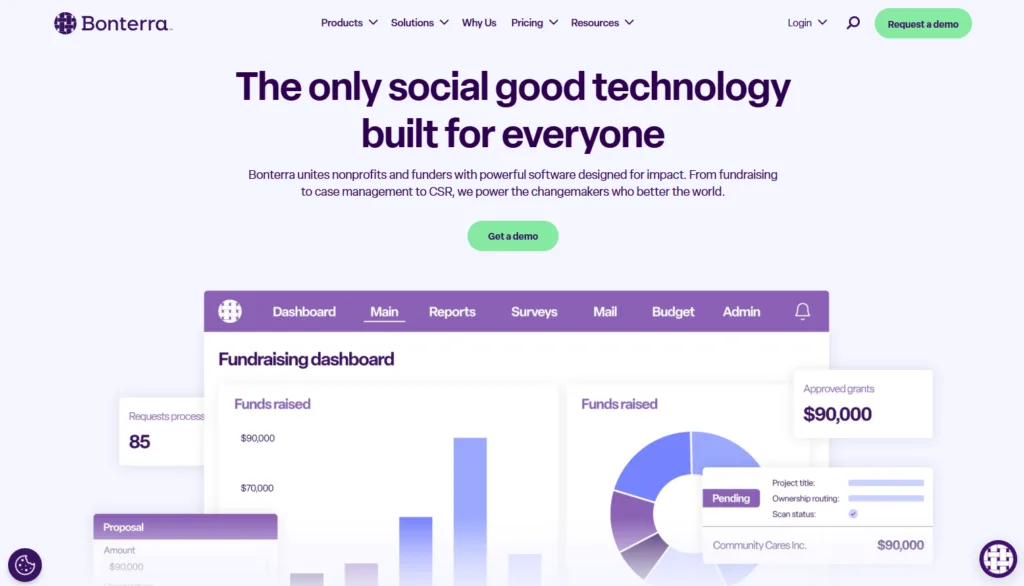
Bonterra is a broad fundraising and engagement ecosystem built from the consolidation of several legacy products, most notably Network for Good and EveryAction. Rather than a single unified CRM, Bonterra offers different environments based on an organization’s size: smaller nonprofits generally use Network for Good, while mid-sized and larger organizations are steered toward the more advanced EveryAction suite.
Key Features
- Donation Forms & Campaigns: Mobile-optimized donation forms supporting recurring giving, peer-to-peer, and community Giving Days.
- Event & Auction Management: Ticketing, registration, and auction support for in-person and virtual fundraising.
- Donor Database: Combines supporter data into a shared constituent record, varying by the specific product tier utilized.
- Volunteer & Membership Tracking: Capability to track volunteer hours and process basic membership tracking (depending on configuration).
- Reporting & Integrations: Dashboards summarizing activity, with connections to external tools (often within the Blackbaud ecosystem).
Plans & Pricing
Bonterra utilizes a quote-based pricing model. Pricing is not published publicly and is customized based on an organization’s size, feature requirements, and supporter record volume.
This donor management software may work for you if…
- You are heavily focused on advocacy. Bonterra (specifically EveryAction) provides strong advocacy-specific capabilities, making it a popular choice for organizations managing petitions, voter engagement, and lobbying efforts alongside fundraising.
- You want a broad toolkit. Users often highlight the platform’s ability to centralize data, campaigns, and digital communications within a single vendor ecosystem.
But look out for…
- Usability variations. Because Bonterra combines legacy platforms, reviewers note that the user experience and clarity can vary significantly depending on the specific product tier.
- Gated features. Organizations note that key capabilities can sometimes be gated by plan level or offered as add-ons, increasing complexity and cost as operational needs scale.
21. Tithely (Formerly Breeze)
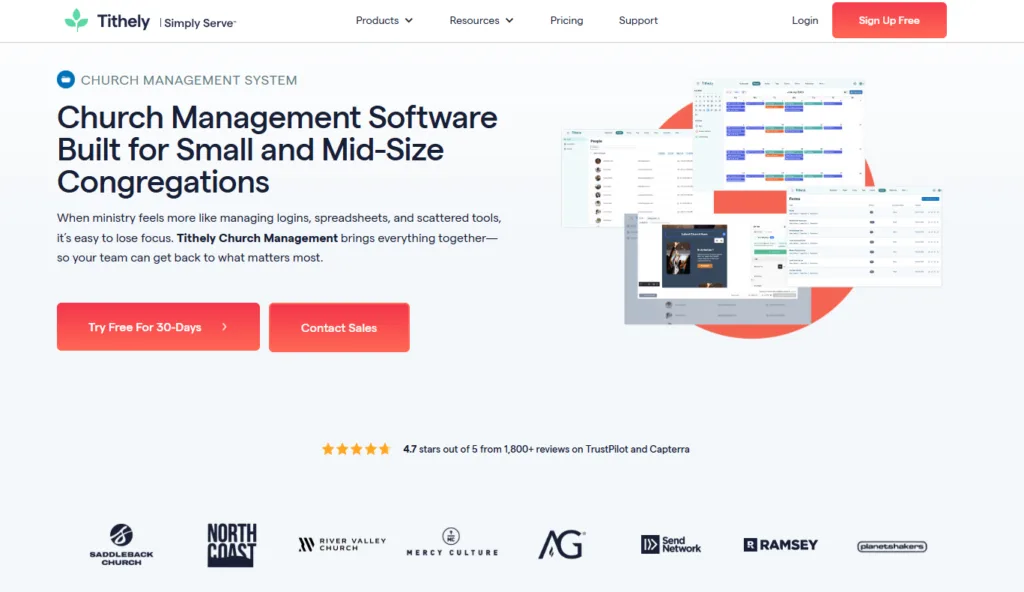
Tithely’s web-based church management system (formerly known as Breeze) is specifically designed for small and mid-sized churches. It provides a centralized hub to track congregation members, process online giving, manage events, and handle child check-ins. By joining the Tithely ecosystem, Breeze users also benefit from access to Tithely’s digital giving tools, mobile app, and service planning functionalities.
Key Features
- People Management: Centralized database to track members, families, and visitors, including attendance history and pastoral notes.
- Online & Text Giving: Integrated online donation tools powered by Tithely, supporting recurring giving, text-to-donate, and fund designation.
- Child Check-In & Name Tags: Secure digital check-in systems designed specifically for children’s ministry, complete with printable name tags.
- Event & Volunteer Management: Tools for scheduling volunteers, tracking event registrations, and organizing church calendar activities.
- Communications: Built-in email editor and SMS text messaging capabilities to message specific groups or the entire congregation.
- Reporting: Dashboards that display giving trends, attendance patterns, and ministry engagement over time.
Plans & Pricing
Breeze utilizes a simple flat-rate pricing model. The software costs $72 per month, which includes unlimited contacts, unlimited users, and no contracts or setup fees. While the software itself is a flat fee, standard payment processing fees apply to online donations, and there are nominal charges if an organization exceeds the monthly allotment of free SMS text messages or opts into premium add-ons (like custom church apps or advanced worship planning tools).
This donor management software may work for you if…
- You are a faith-based organization. Breeze is purpose-built for churches. It includes highly specific workflows for ministries, Sunday school check-ins, and pastoral care that general-purpose nonprofit CRMs completely lack.
- You want predictable pricing. The $72/month flat rate is incredibly popular among growing churches, as organizations are not penalized with higher software costs when their congregation or database expands.
But look out for…
- Lack of non-church functionality. If your organization is a traditional 501(c)(3) nonprofit, an advocacy group, or a secular charity, Breeze’s church-centric terminology and features will not align with your operational needs.
- Enterprise limitations. Very large, multi-campus mega-churches may find Breeze’s customization and advanced reporting capabilities slightly too basic for highly complex, enterprise-level administrative requirements.

How to Build a Winning Donor Stewardship Plan (+ Free Template)
How to Buy Donor Management Software: Your 4-Step Guide
Purchasing donor management software is a significant investment for any nonprofit. To make the most of your investment, it’s crucial to take a strategic approach. This buyer’s guide will walk you through the steps to choose the right software, from assessing your needs to planning a successful implementation.
Step 1: Identify Your Nonprofit’s Needs
Before diving into the sea of software options, take the time to evaluate your organization’s specific requirements. This step will help you create a clear feature wishlist and prevent you from getting overwhelmed by unnecessary bells and whistles.
Start by asking your team about the current challenges they face in managing donor data. Common issues include difficulty tracking donations, fragmented data, lack of personalization, and time-consuming administrative tasks.
Next, ask yourself: What are your primary objectives for using donor management software? Are you looking to improve donor retention, streamline event management, or enhance fundraising capabilities? Defining clear goals will help you focus on solutions that align with your priorities.
And don’t forget to interview your nonprofit’s other stakeholders as part of this software-buying process. A board member, a key volunteer, or a recipient might have insights that yoru day-to-day staff do not.
Finally, consider your organization’s size and complexity. The needs of a small, grassroots nonprofit differ from those of a large, national organization. Small nonprofits may prefer user-friendly, affordable solutions with basic features, while larger organizations might need advanced tools for segmentation, analytics, and integrations.
Use these answers to create a feature wishlist based on your needs and goals that you can use to begin Step 2.
Step 2: Research and Shortlist Solutions
Once you’ve identified your needs, it’s time to start researching potential software solutions. This step involves gathering information, seeking recommendations, and evaluating user experiences to create a shortlist of the best options.
Check platforms like Capterra, G2, and Software Advice for unbiased user reviews. Pay attention to feedback about ease of use, customer support, and the overall user experience.
Reach out to other nonprofits in your network to see what software they use and recommend. Learning from their experiences can provide valuable insights and help you avoid common pitfalls.
Most software providers offer free demos or webinars where you can see the platform in action and ask questions. Use this opportunity to evaluate the user interface, key features, and overall fit for your organization’s needs.
Pro Tip: As you go, create a comparison matrix to evaluate each software option based on your feature wishlist, pricing, integration capabilities, and user feedback. This will help you make an objective decision based on your priorities.
Step 3: Evaluate Pricing Models
Understanding the pricing structure of donor management software is crucial to making an informed decision. The cost of software can vary widely based on the number of users, features included, and the size of your donor database. Some key factors to consider include:
- Monthly or Annual Fees: Most donor management software solutions charge a monthly or annual subscription fee. Some platforms offer tiered pricing based on the number of users or donor records, while others may have a flat rate.
- Additional Costs: Be aware of extra charges for integrations, add-on features, training, or customer support. These costs can add up, so it’s important to understand what’s included in the base price and what requires an additional fee.
- Scalability: Choose a pricing model that can accommodate your nonprofit’s growth. If you anticipate expanding your donor base or increasing your fundraising activities, look for software that offers flexible pricing plans or the ability to upgrade without significant cost increases.
- Long-Term Value: While it may be tempting to opt for the cheapest solution, consider the long-term value. A more expensive platform with advanced features and strong customer support may save you time and resources in the long run.
Once you’re interested in a potential solution, request a detailed quote from the vendor and ask about any hidden fees. Be sure to clarify whether updates, maintenance, and customer support are included in the price.
Step 4: Make a Decision and Plan for Implementation
After researching, shortlisting, and evaluating your options, it’s time to make a final decision. However, choosing the software is only the first step; a well-thought-out implementation plan is key to ensuring a successful rollout.
Involve key stakeholders in the decision-making process to ensure the software meets everyone’s needs. This buy-in will also make the transition easier and increase adoption rates.
Work with the vendor to develop a customized onboarding plan. This should include data migration, user training, and a timeline for going live. The goal is to minimize disruptions and get your team comfortable with the new system as quickly as possible.
After implementation, set realistic goals for the first few months of using the software. Focus on mastering the core features before diving into advanced capabilities. This gradual approach helps ensure a successful adoption and maximizes the software’s impact.
Neon One is Your Best Choice for Donor Management
As we said earlier, there are a lot of good donor management options out there. But here’s the real kicker—the donor management solution that works best for you is going to depend on the needs of your organization.
And while we can’t tell you exactly what your organization needs, we can tell you that Neon One’s Neon CRM will be a great choice for most organizations.
With donor management, fundraising, communications, events, and volunteers all under one roof—not to mention the system’s exceptional membership management capabilities—Neon CRM will provide you with the resources you need to manage donors and build stronger relationships.
If you’d like to see what Neon One could do for your organization and your mission, reach out to book a personalized demo today.

Author Bio
Alex Huntsberger, Content Marketing Manager
Alex Huntsberger is Content Marketing Manager at Neon One, where he brings his expertise in nonprofit fundraising, events, and memberships to the Neon One blog. Alex has spent over a decade as a content writer, search marketer, and communications pro. He’s also an experienced theater critic and arts writer, having covered plays and musicals across Chicagoland since 2010 for the Chicago Sun-Times, Time Out Chicago, and Newcity Stage. Like every other liberal arts grad in the Chicago area, Alex once worked for Groupon. He currently lives in Mundelein, IL, with his wife and their two children.